
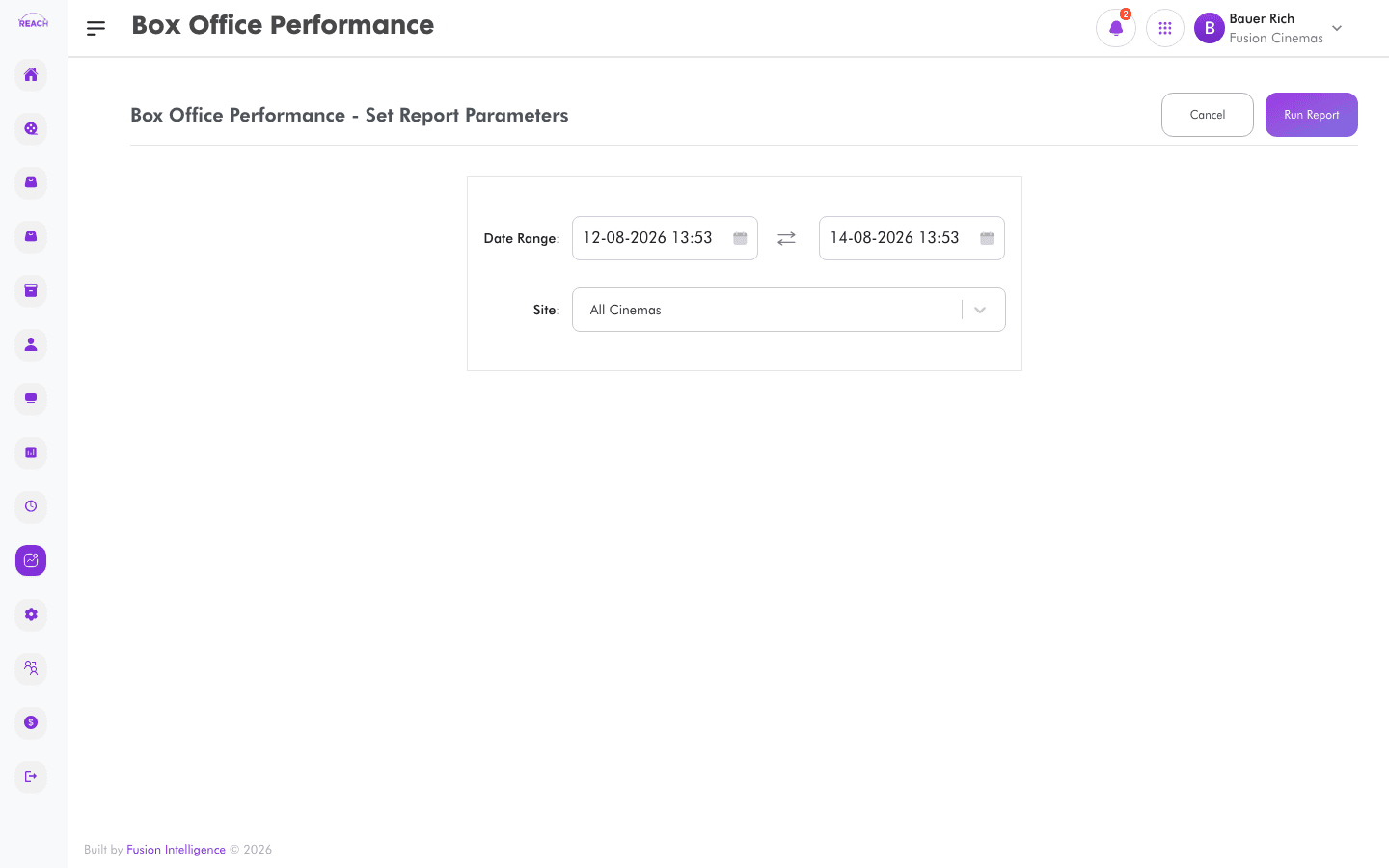
The Box Office Performance report summarizes a cinema's box-office trading — admissions and revenue — over a selected period. Use it for a top-level read on how the box office is doing.
Before you start
- Select the cinema and date range you want to analyse.
- For breakdowns by film, ticket, or screen format, see the GBO reports.
How to generate
- Open Reports → Box Office Performance (via Reports overview → Generate).
- Select the cinema.
- Set the date range.
- Generate the report and review the results. Export to Excel if you need a copy.
