
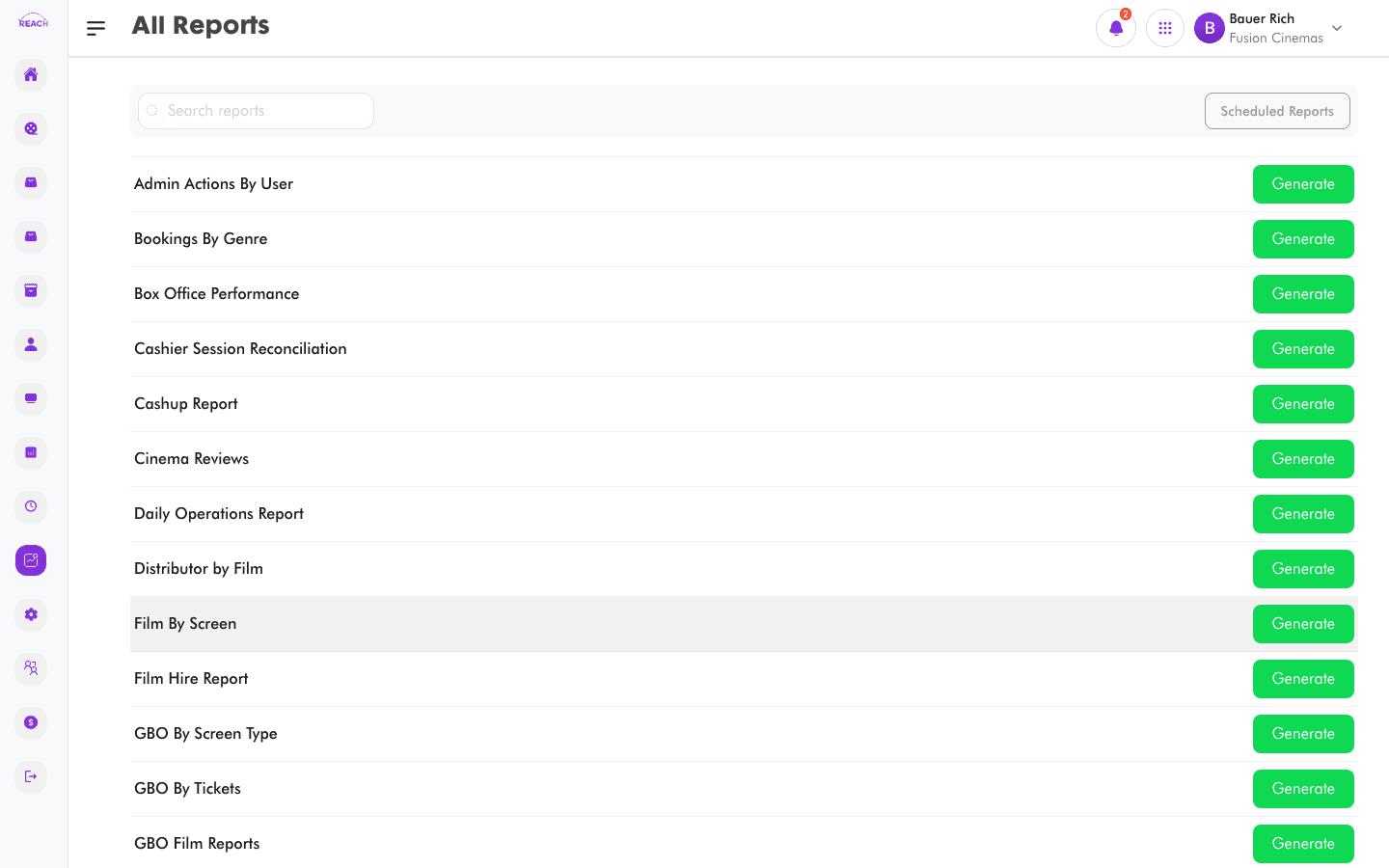
The Reports screen ("All Reports") is the hub for every report in Reach Head Office. Search for a report by name and click Generate to open it. Most reports share the same workflow: pick a cinema and a date range, then generate and export.
Before you start
- Reports read from live trading data, so make sure the cinema has been trading in the period you're interested in.
- To have reports emailed on a schedule, use Scheduled Reports.
How to generate a report
- Open Reports from the sidebar.
- Search for the report by name in the Search reports box, or scroll the alphabetical list.
- Click Generate next to the report.
- On the report screen, select the cinema and the date range.
- Click the fetch/generate button to run the report.
- Review the table and use the report's export option (most export to Excel) to download it.

Report categories
Reach Head Office reports cover: box office & performance, showtimes & bookings, ticket & item sales, cash-up & reconciliation, settlement & refunds, Nomba payment transactions, operations, staff, marketing, and cinema reviews.