
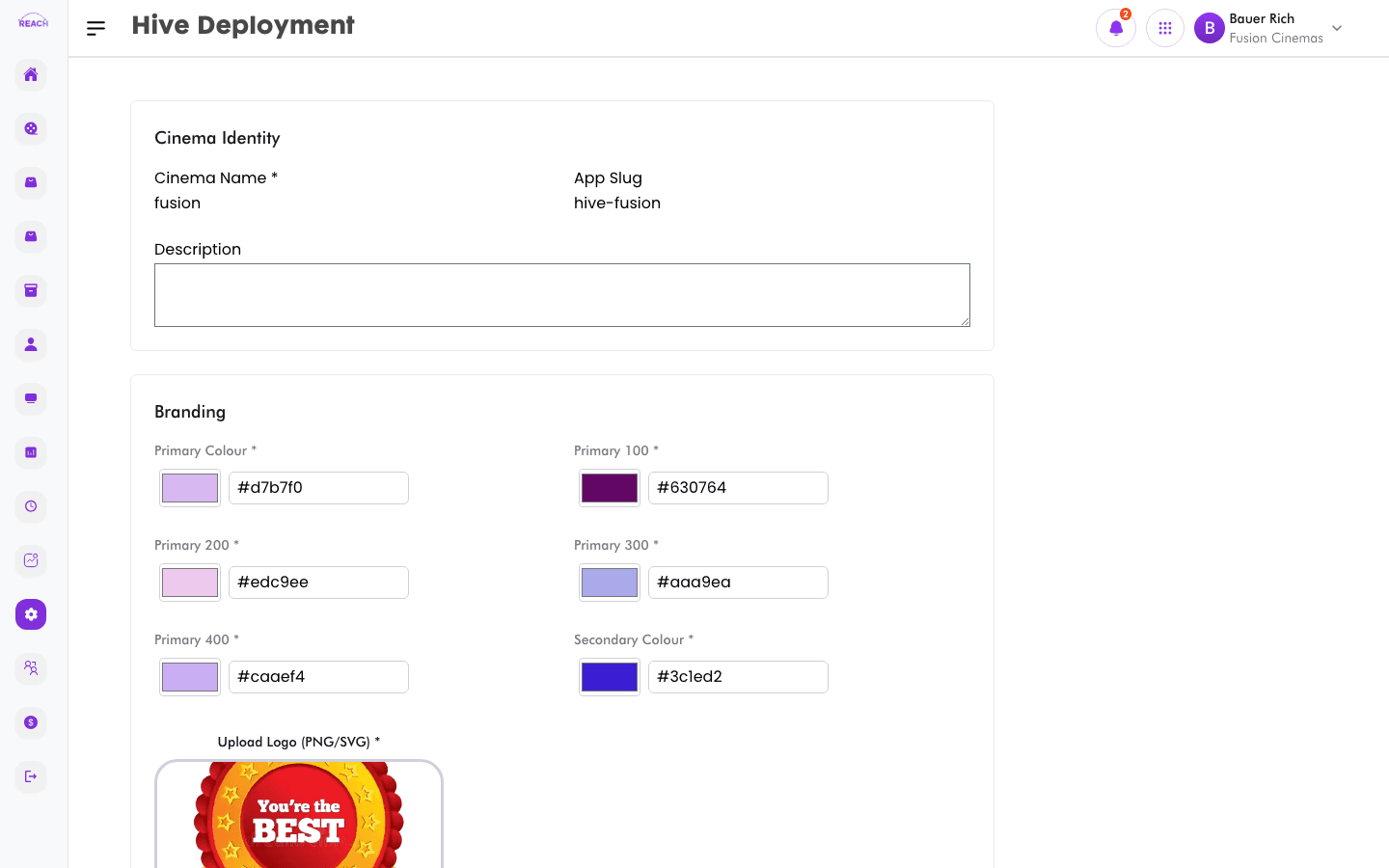
Hive Deployment builds and publishes the public-facing Hive website for a cinema. You provide identity, branding, localisation, and social details, then trigger a build that provisions the site (including SSL).
Before you start
- Complete your Hive Settings metadata first.
- Deployment builds can take time; the form is disabled while a build is initializing, building, or enabling SSL.
How to deploy the Hive site
- Open Settings → Hive Deployment.
- Complete the sections:
- Cinema Identity — the cinema's identifying details.
- Branding — colours/logo and visual identity.
- Auth & Status — authentication and status options.
- Localisation — language/region settings.
- Social Media — social links.
- Start the deployment. Reach Head Office initializes the build, builds the site, and enables SSL, showing progress as it goes.

Tips
- If a build fails, the status updates to failed — review your inputs and retry.
- Existing deployments are detected and can be updated rather than recreated.