
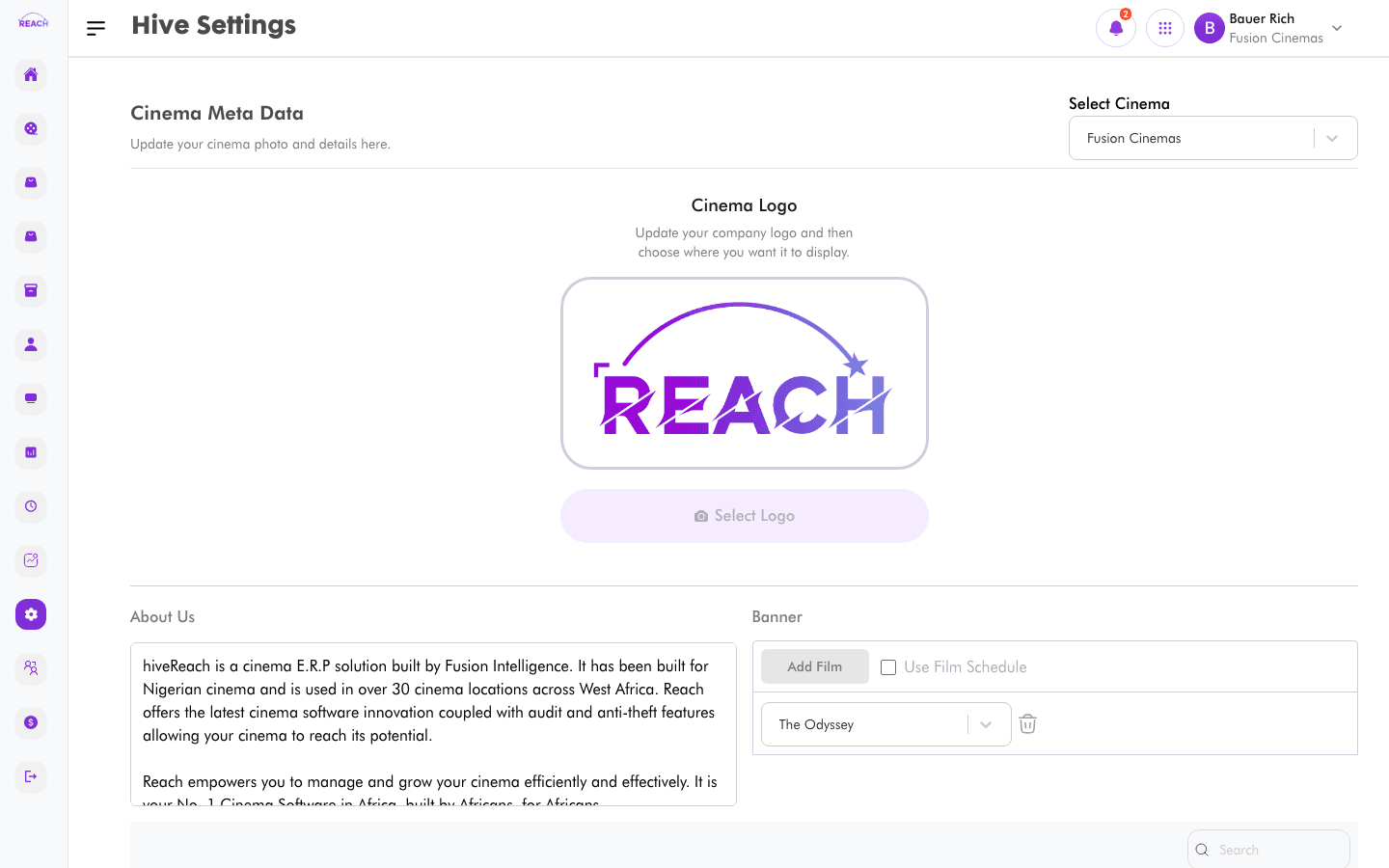
Hive Settings hold the cinema metadata that powers your public-facing Hive website — the logo, description, contact details, promotional banners, images, and featured films. Update it here and deploy it with Hive Deployment.
Before you start
- Select the cinema with the cinema selector — metadata is per cinema.
- Have your logo, banner, and image assets ready.
How to update cinema metadata
- Open Settings → Hive.
- Select the cinema.
- Update the Cinema Meta Data:
- Cinema Logo — select and upload the company logo.
- About Us — a description of the cinema.
- Banner / Featured films — add films to showcase (or tick Use Film Schedule to pull from the schedule).
- Cinema details — phone, email, and address per cinema.
- Promotional Banner(s) — upload one or more banners.
- Cinema Image(s) — upload one or more images.
- Click Update Metadata. You'll see "Metadata updated successfully."
