
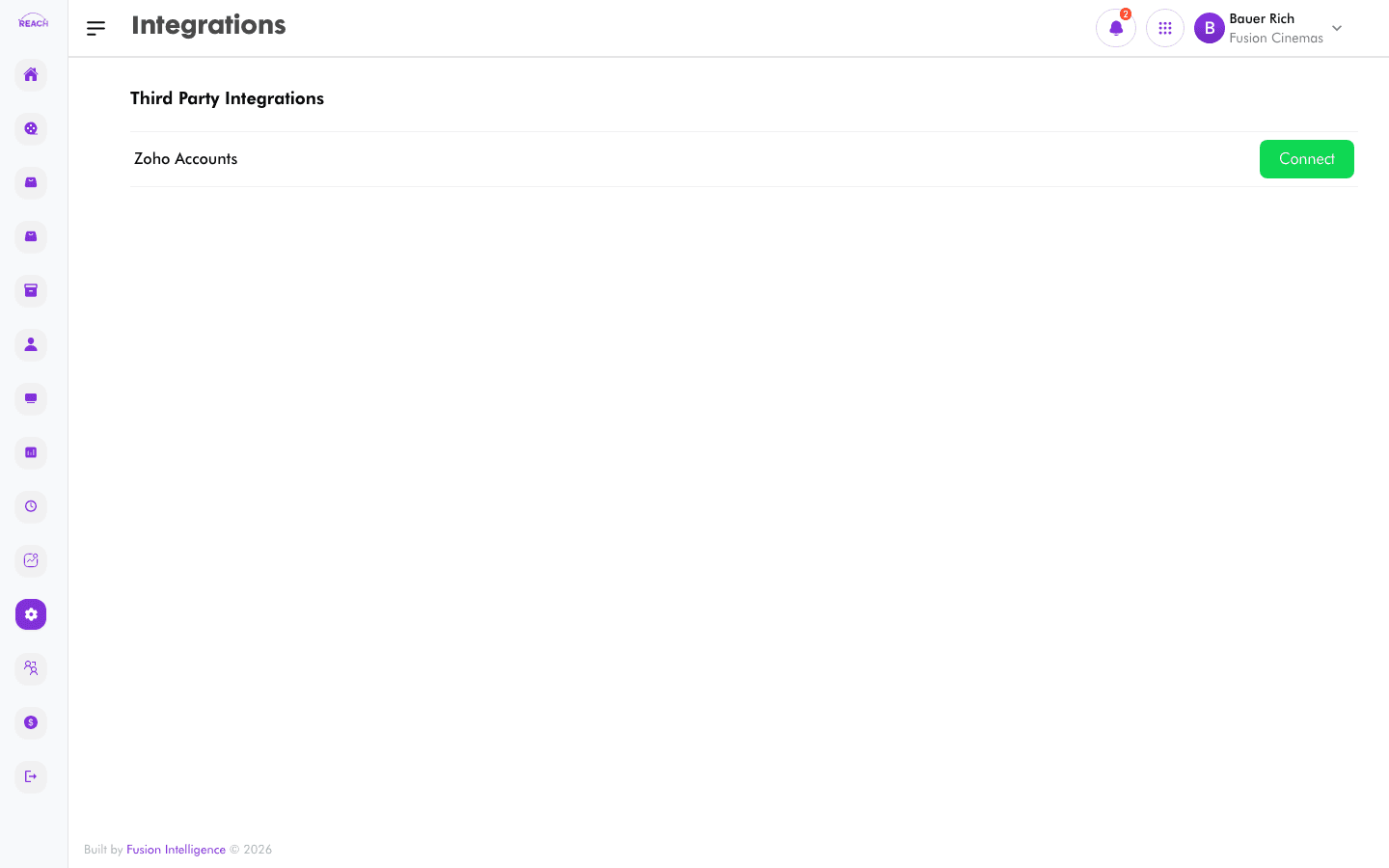
The Integrations screen lists the third-party services you can connect to Reach Head Office and lets you authorise them.
Before you start
- You'll need an account with the third-party service (e.g. Zoho) and permission to authorise the connection.
How to connect an integration
- Open Settings → Integrations. The screen is headed Third Party Integrations.
- Find the service in the list (for example, Zoho Accounts).
- Click Connect and complete the authorisation flow for that service.

Available integrations
| Integration | Purpose |
|-------------|---------|
| Zoho Accounts | Connect Reach Head Office to Zoho for accounting. |