
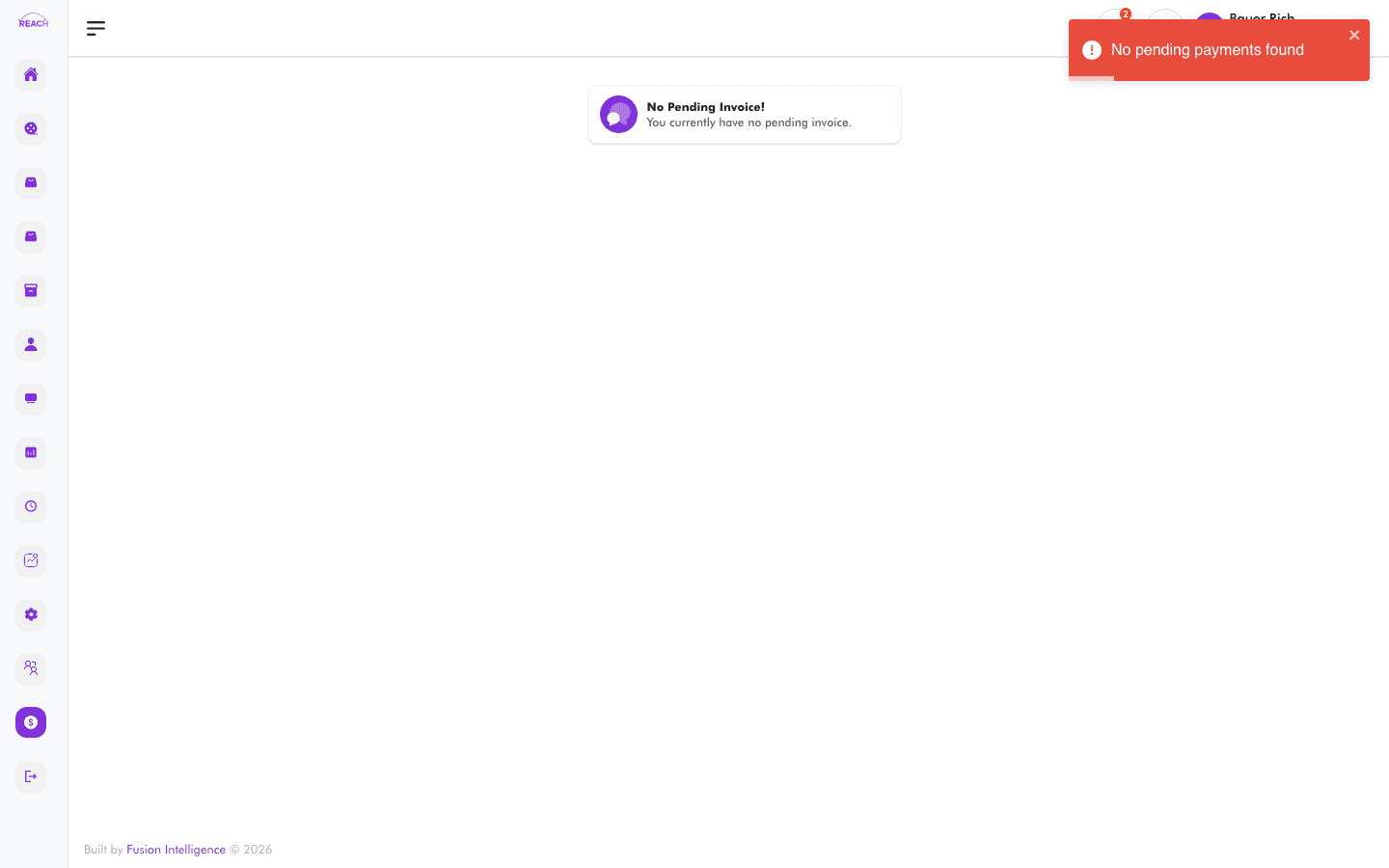
The Invoice screen shows a cinema's invoices along with amounts and payment-due information. Use it to review what's outstanding.
Before you start
- Select the cinema whose invoices you want to review.
- When there are no invoices, the screen shows an empty/no-pending-invoice state.
How to view invoices
- Open Financial Management → Invoice.
- Select the cinema.
- Review each invoice's details and its Payment Due amount/date.
