
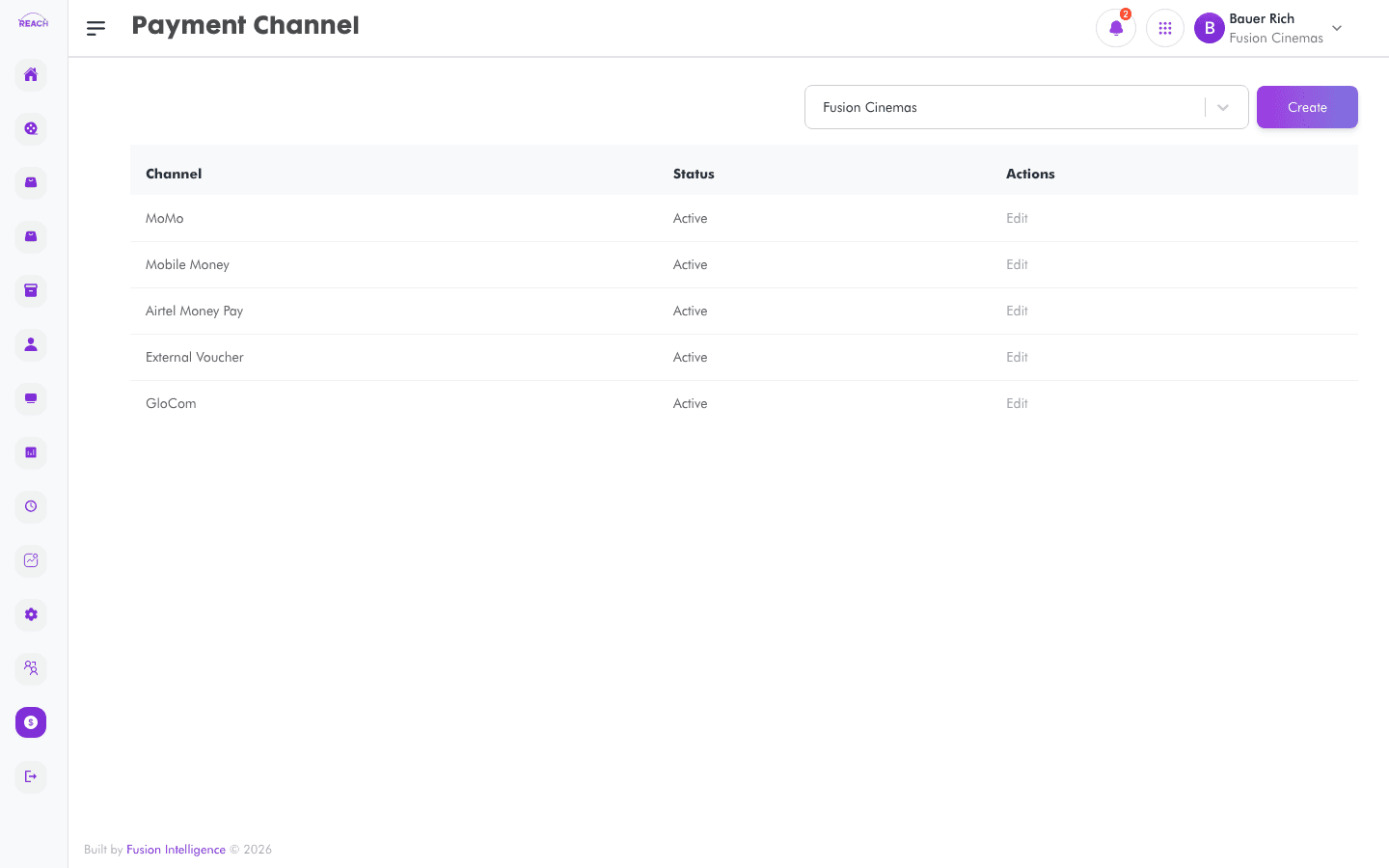
Payment Channels are the payment methods a cinema accepts (for example, cash, card, or a specific POS provider). This screen lists channels and lets you create and edit them.
Before you start
- Decide which payment methods each cinema should offer.
How to create a payment channel
- Open Financial Management → Payment Channels, then create a new one ("Create Channel").
- Complete the form:
- Name — the channel name.
- Status — Active or Inactive.
- Save. Use the row action to edit an existing channel.

Field reference
| Field | Description |
|-------|-------------|
| Name | Payment channel name. |
| Status | Active / Inactive. |