
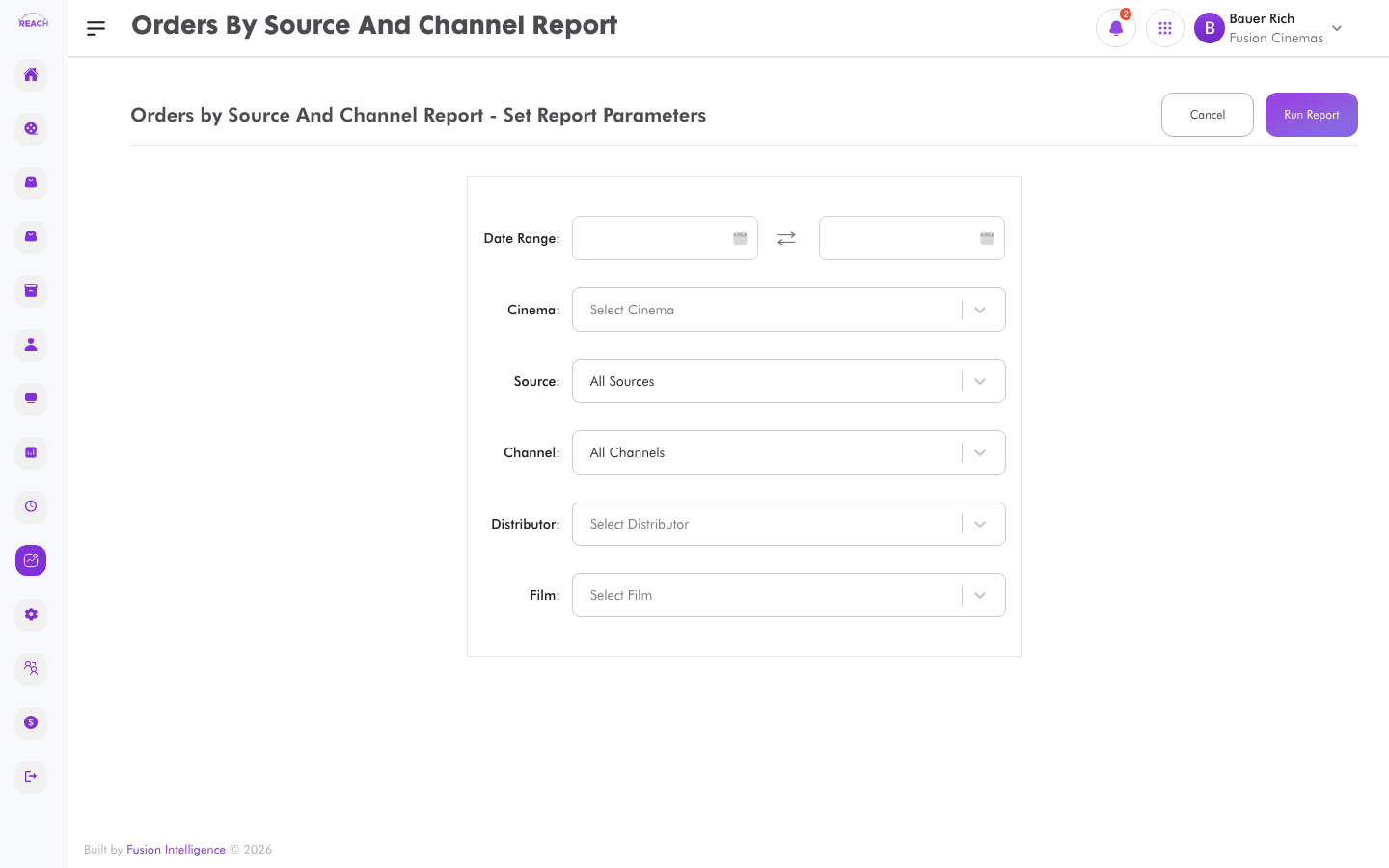
The Orders by Source And Channel report groups orders by where they originated — the sales source (e.g. POS, kiosk, online) and channel — so you can compare performance across your selling routes.
Before you start
- Select the cinema and date range.
- Sources are assigned to tickets and items when you create them.
How to generate
- Open Reports → Orders by Source And Channel.
- Select the cinema and date range.
- Generate and review the breakdown; export to Excel if needed.
