
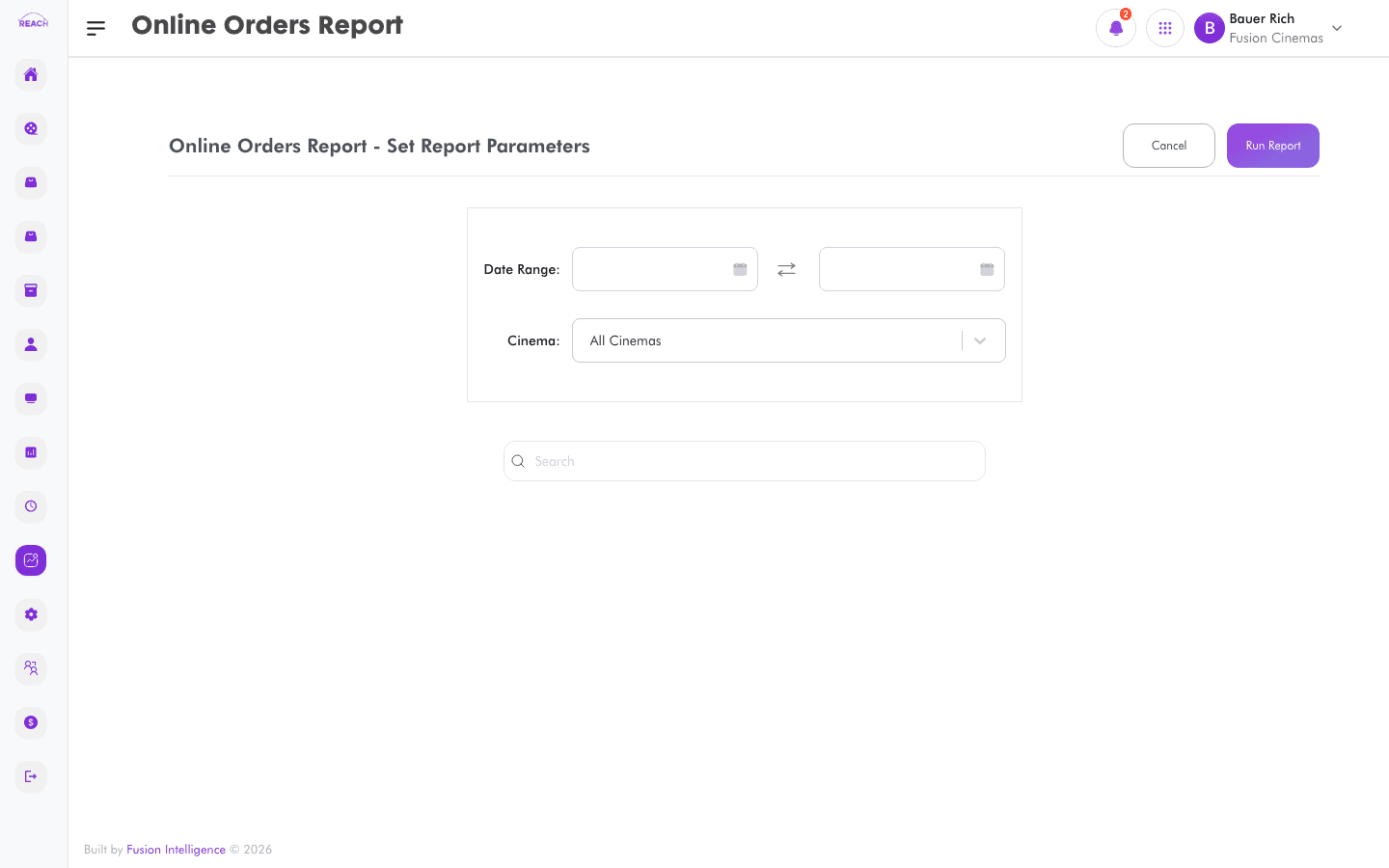
The Online Orders Report lists orders placed through online channels (web and Connect partners), so you can track online trading separately from the box office.
Before you start
- Select the cinema and date range.
- Online selling is governed by the Connect setup.
How to generate
- Open Reports → Online Orders Report (listed as "Online Orders").
- Select the cinema and date range.
- Generate and review the online orders; export to Excel if needed.
