
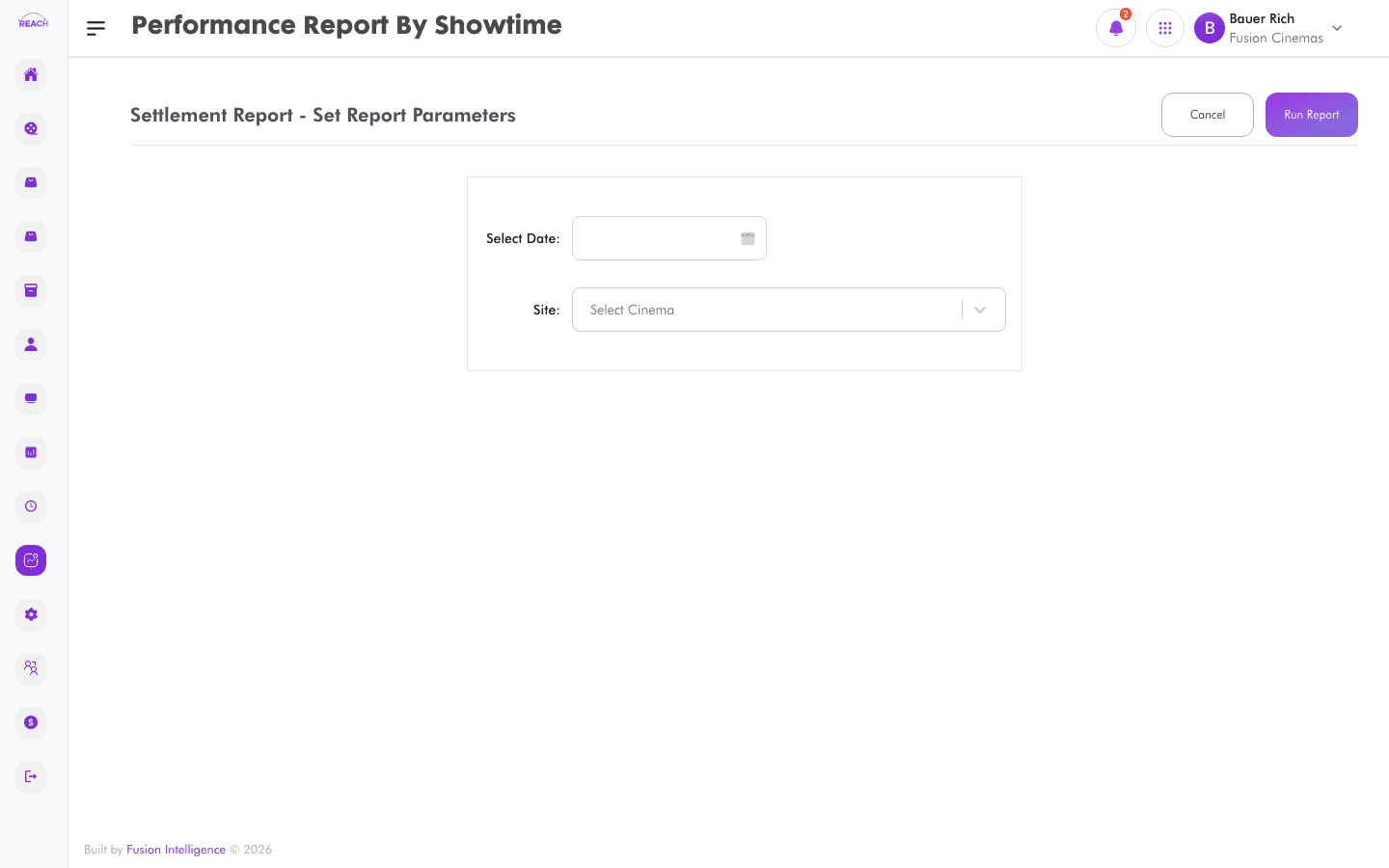
The Performance Report By Showtime breaks performance down to each showtime (session), so you can see how specific screenings performed by admissions and revenue.
Before you start
- Select the cinema and date range.
- For film-level rollups, use Performance Report By Film.
How to generate
- Open Reports → Performance Report By Showtime.
- Select the cinema and date range.
- Generate and review the per-showtime breakdown; export to Excel if needed.
