
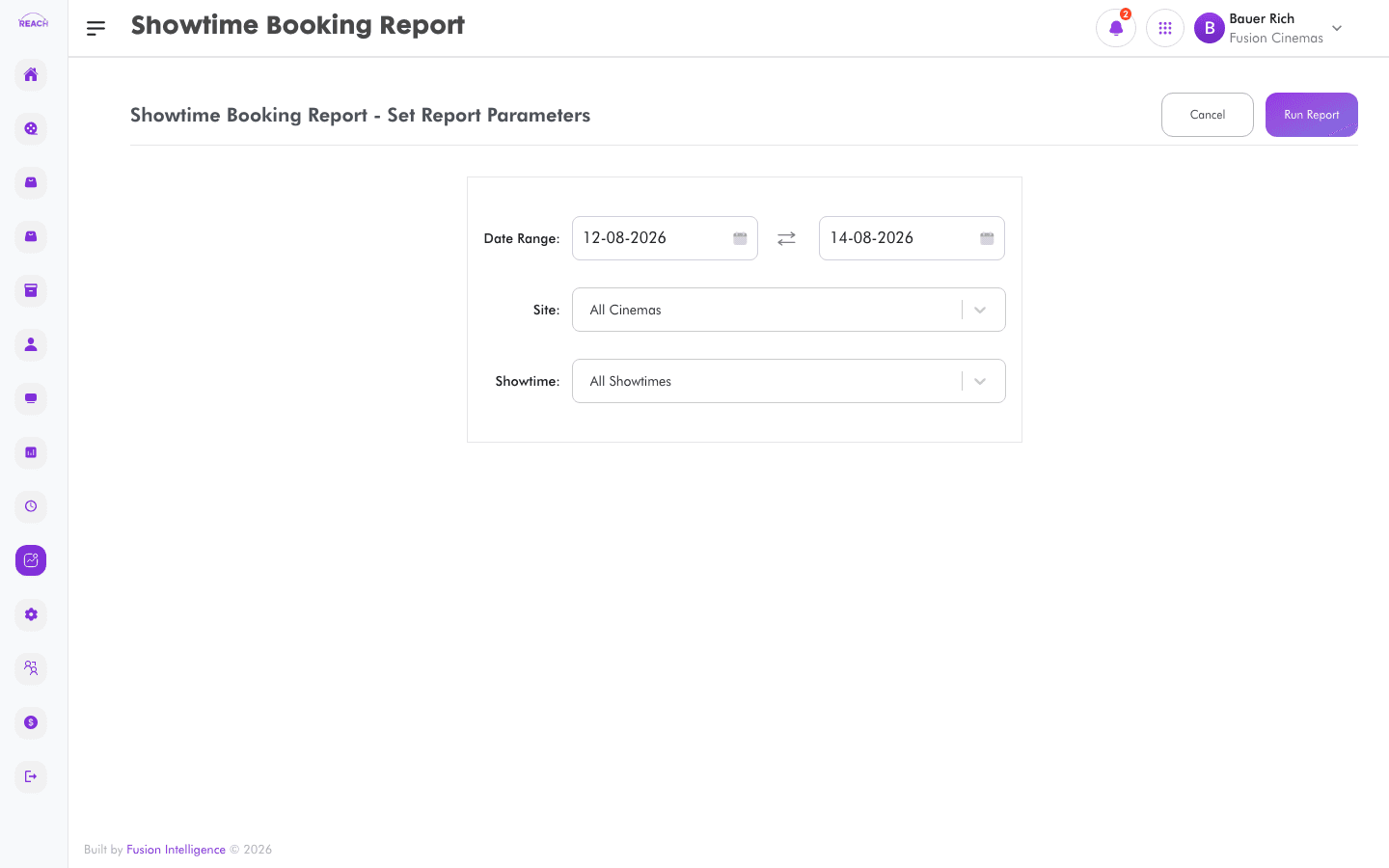
The Showtime Booking Report shows bookings per showtime — how many seats were sold and the takings for each session — so you can see which screenings filled and which underperformed.
Before you start
- Select the cinema and date range.
- Showtimes come from Film Scheduling; occupancy relates to the screen's seat layout.
How to generate
- Open Reports → Showtime Booking Report.
- Select the cinema and date range.
- Generate and review bookings per showtime; export to Excel if needed.
