
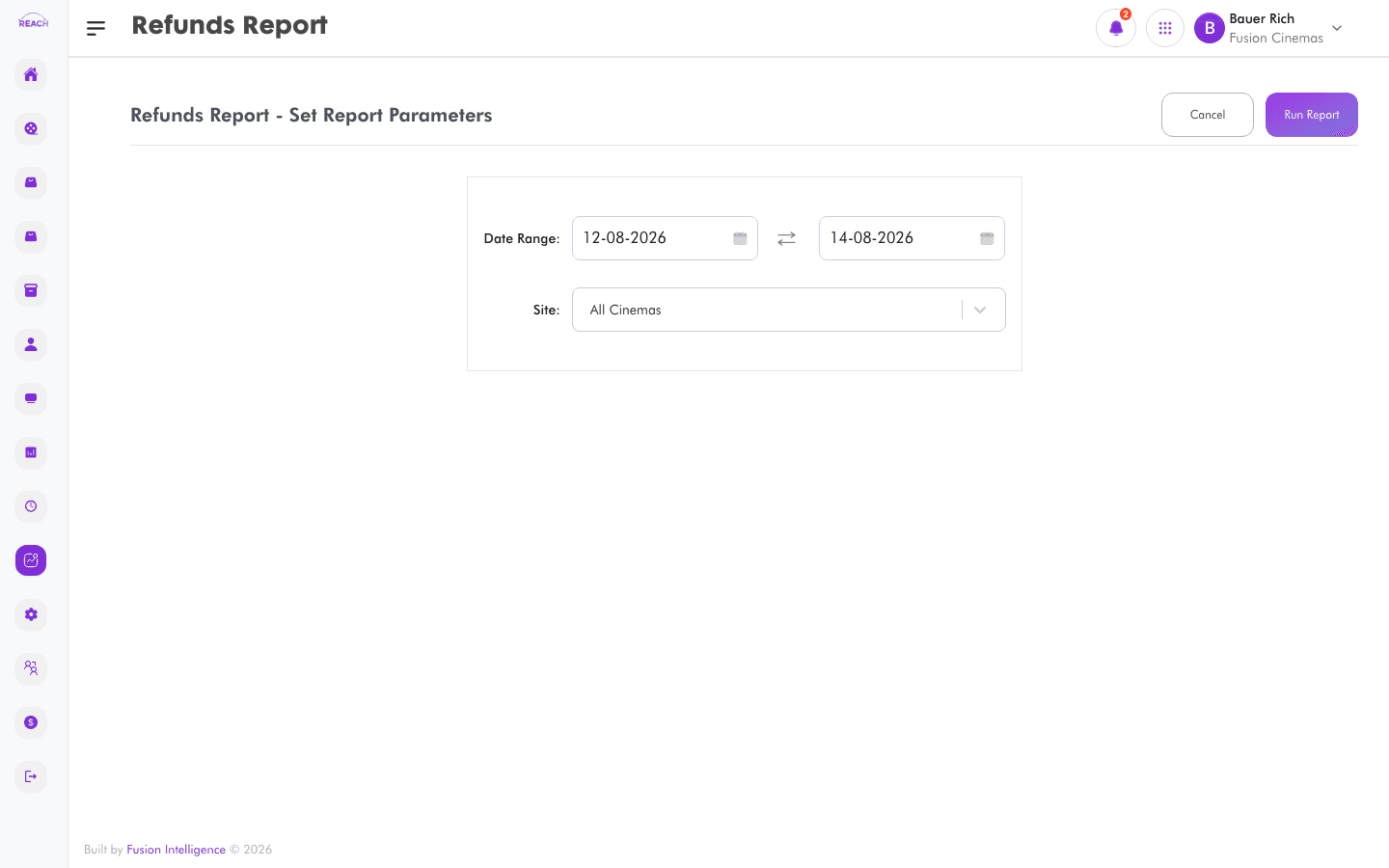
The Refunds Report lists refunds issued over a period, with the amounts and context, so you can monitor and audit refund activity.
Before you start
- Select the cinema and date range.
How to generate
- Open Reports → Refunds Report.
- Select the cinema and date range.
- Generate and review the refunds; export to Excel if needed.
