
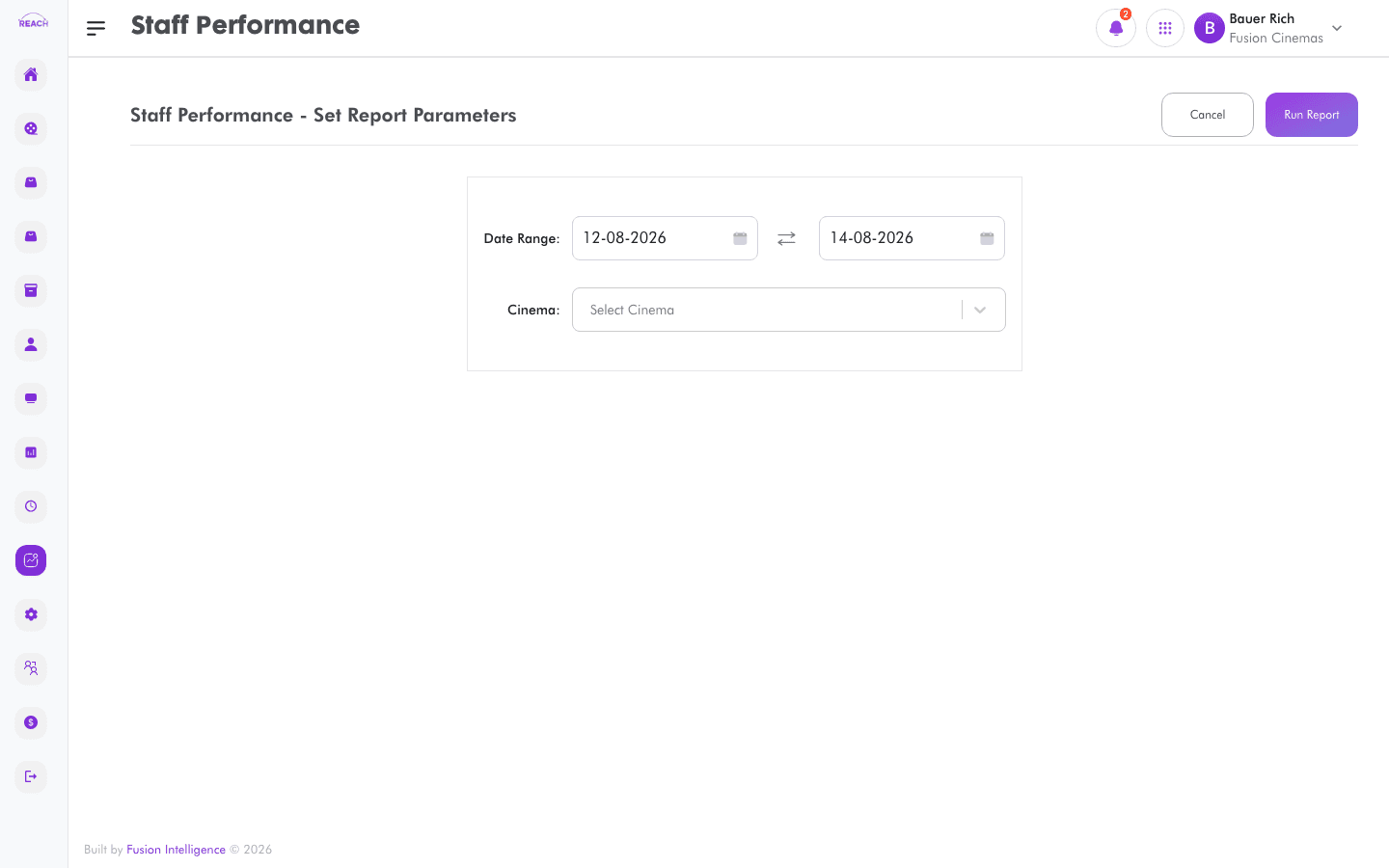
The Staff Performance report measures how staff performed — sales and activity by staff member — so you can recognise top performers and spot coaching opportunities.
Before you start
- Select the cinema and date range.
- Staff records come from the Staff directory.
How to generate
- Open Reports → Staff Performance.
- Select the cinema and date range.
- Generate and review performance by staff member; export to Excel if needed.
