
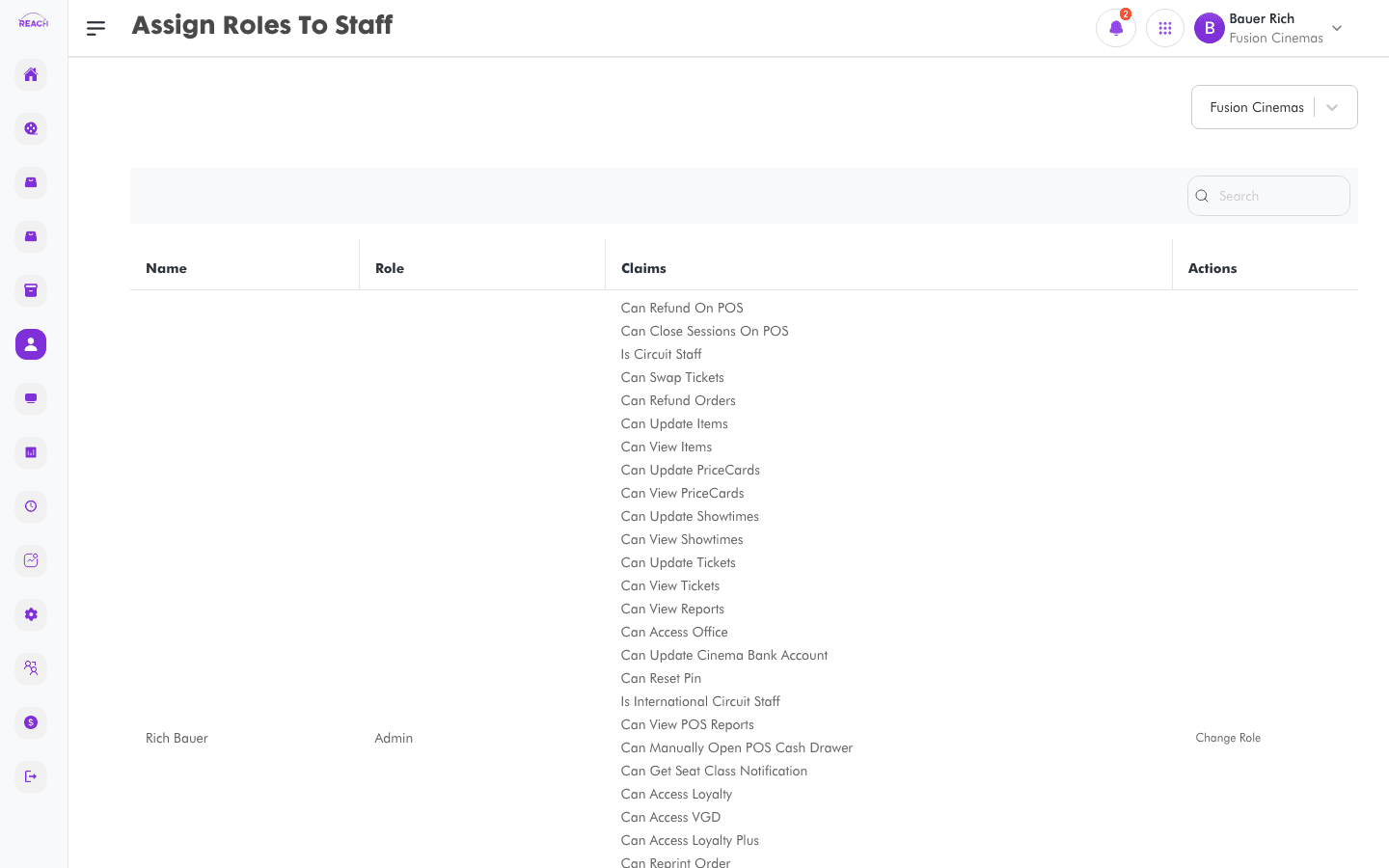
The Assign Roles to Staff screen shows every staff member at a cinema alongside their current role and claims, and lets you change the role assigned to any of them.
Before you start
- Create the Roles you'll assign first.
- Select the cinema with the cinema selector — the list is scoped to it.
How to change a staff member's role
- Open Staff → Assign Roles.
- Select the cinema with the cinema selector.
- Find the staff member (use search).
- Click Change Role in the Actions column.
- Pick the new role and confirm.

Columns
| Column | Description |
|--------|-------------|
| Name | Staff member (last and first name). |
| Role | Their current role. |
| Claims | The permissions granted by their role. |
| Actions | Change Role. |