
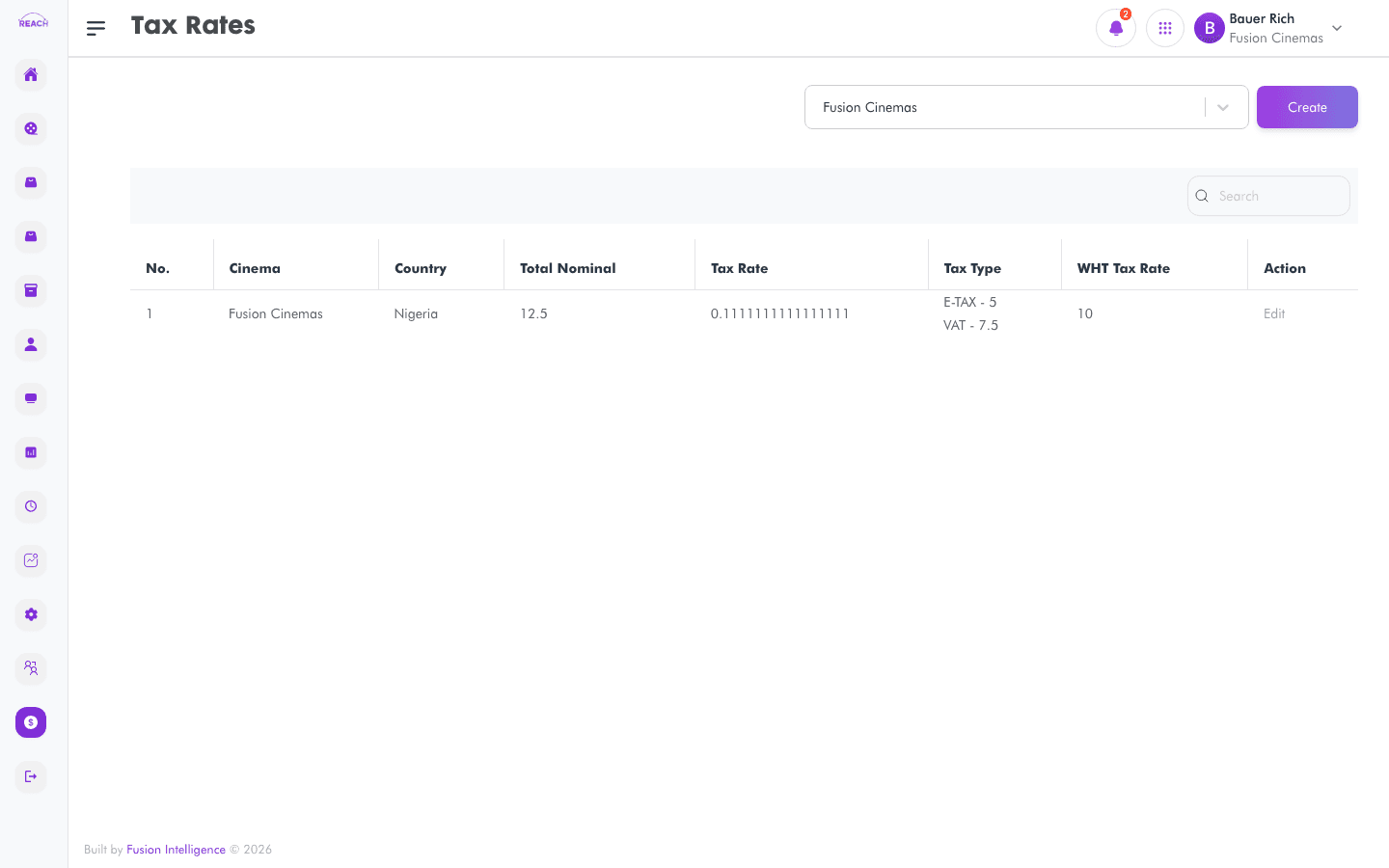
Default Tax Rates define the standard sales tax a cinema applies by default. Tickets, items, and contracts use the default rate unless a specific rate is chosen. This screen lists default tax rates and lets you create and edit them.
Before you start
- Additional, non-default rates are managed separately in Other Tax Rates.
- The default rate is what "Use Default Tax" refers to on forms such as Film Contracts.
How to create a default tax rate
- Open Financial Management → Default Tax Rates, then create a new one ("Create New Tax Rate").
- Complete the form:
- Cinema — the cinema the rate applies to.
- Name of Tax — the tax's name (e.g. VAT).
- Tax Amount — the tax percentage.
- WHT Tax Rate — the withholding tax rate, where applicable.
- Save. Use the row action to open "Update Tax Rate" and edit.

Field reference
| Field | Description |
|-------|-------------|
| Cinema | Owning cinema. |
| Name of Tax | Tax name. |
| Tax Amount | Tax percentage. |
| WHT Tax Rate | Withholding tax rate. |