
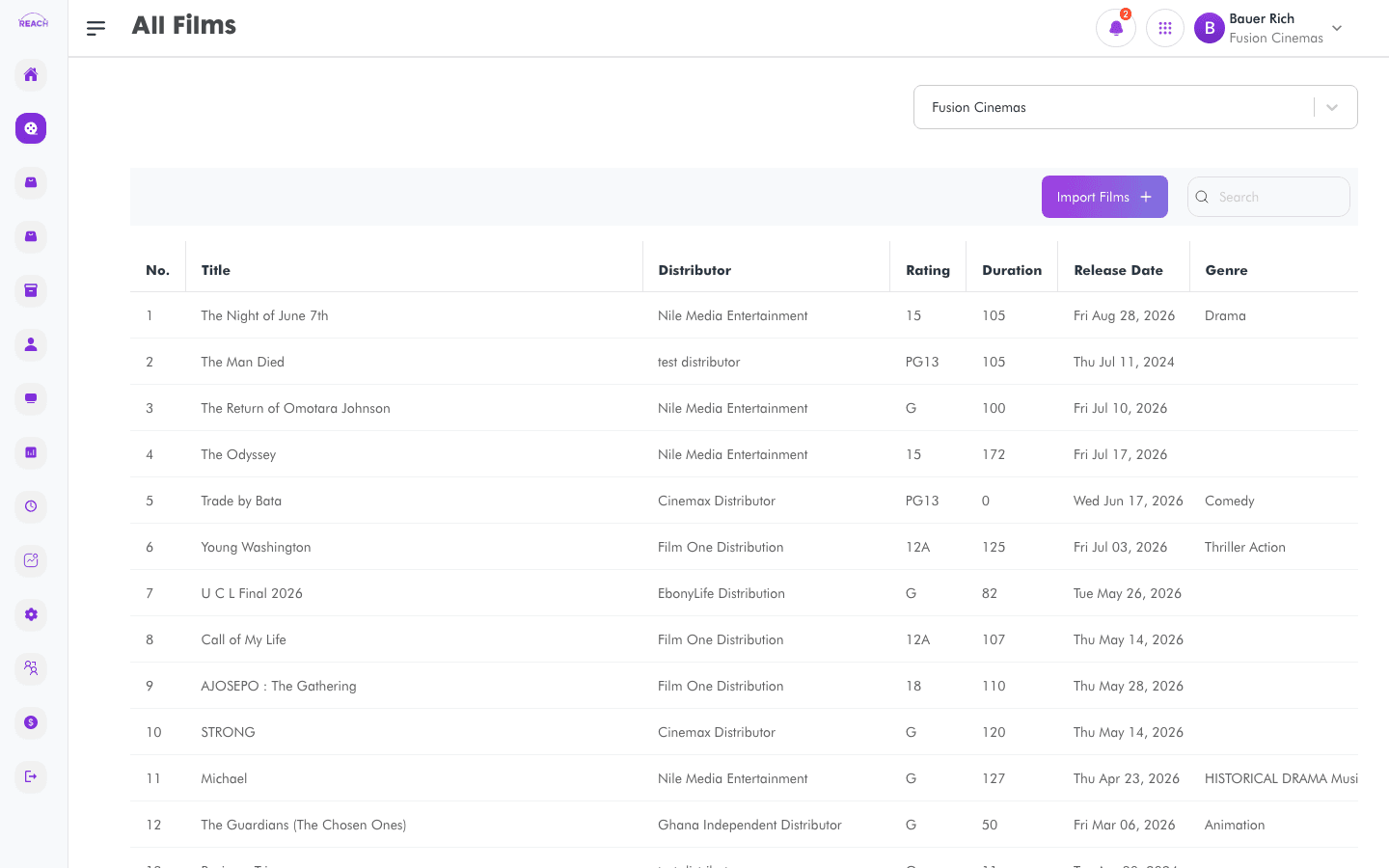
The All Films screen lists every film available at the selected cinema. From here you import titles from the shared Reach film database into your cinema so they can be scheduled and sold.
Before you start
- Choose a cinema with the cinema selector at the top of the page — the film list is scoped to it.
- Films must be imported here before you can schedule showtimes for them in Film Scheduling.
How to view films
- Open Film → All Films from the sidebar.
- Select a cinema in the selector.
- Browse the table. Use the search box to filter by any column.

Film table columns
| Column | Description |
|--------|-------------|
| Title | Film name. |
| Distributor | The film's distributor. |
| Rating | Film certificate/rating. |
| Duration | Runtime. |
| Release Date | Release date (e.g. Fri Mar 21, 2025). |
| Genre | One or more genres. |
How to import films
- Click Import Films (top-right of the table). The tooltip reads "Import films from our film database to your cinema."
- In the import dialog, find the titles you want from the Reach film database.
- Confirm the import. The films are added to this cinema's catalogue and appear in the table.
