
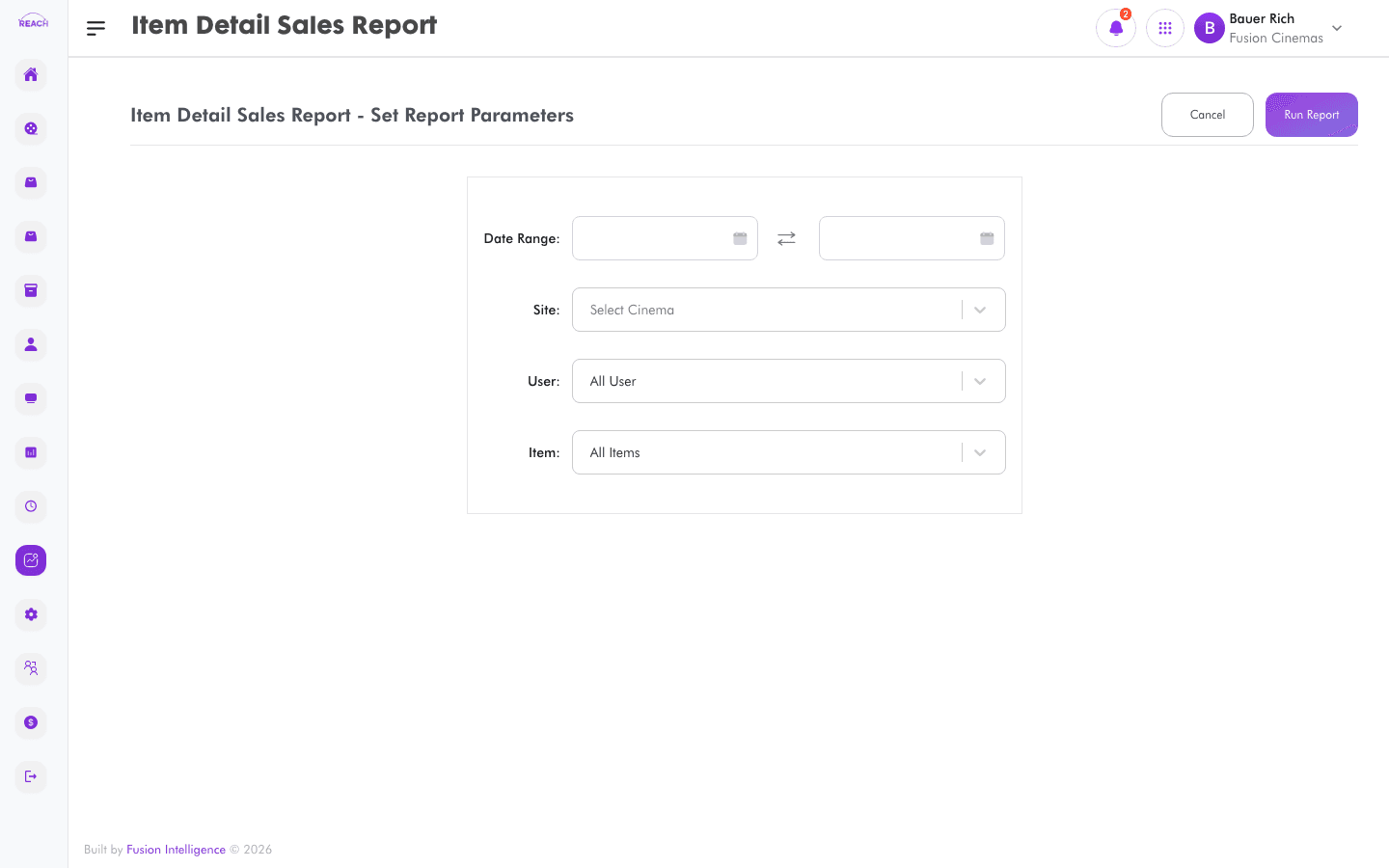
The Item Detail Sales Report gives a detailed, line-level view of concession and item sales — each item sold with its value — for reconciliation and analysis.
Before you start
- Select the cinema and date range.
- Items are set up in Items.
How to generate
- Open Reports → Item Detail Sales Report (listed as "Item Details Sales Report").
- Select the cinema and date range.
- Generate and review the detailed item sales; export to Excel if needed.
