
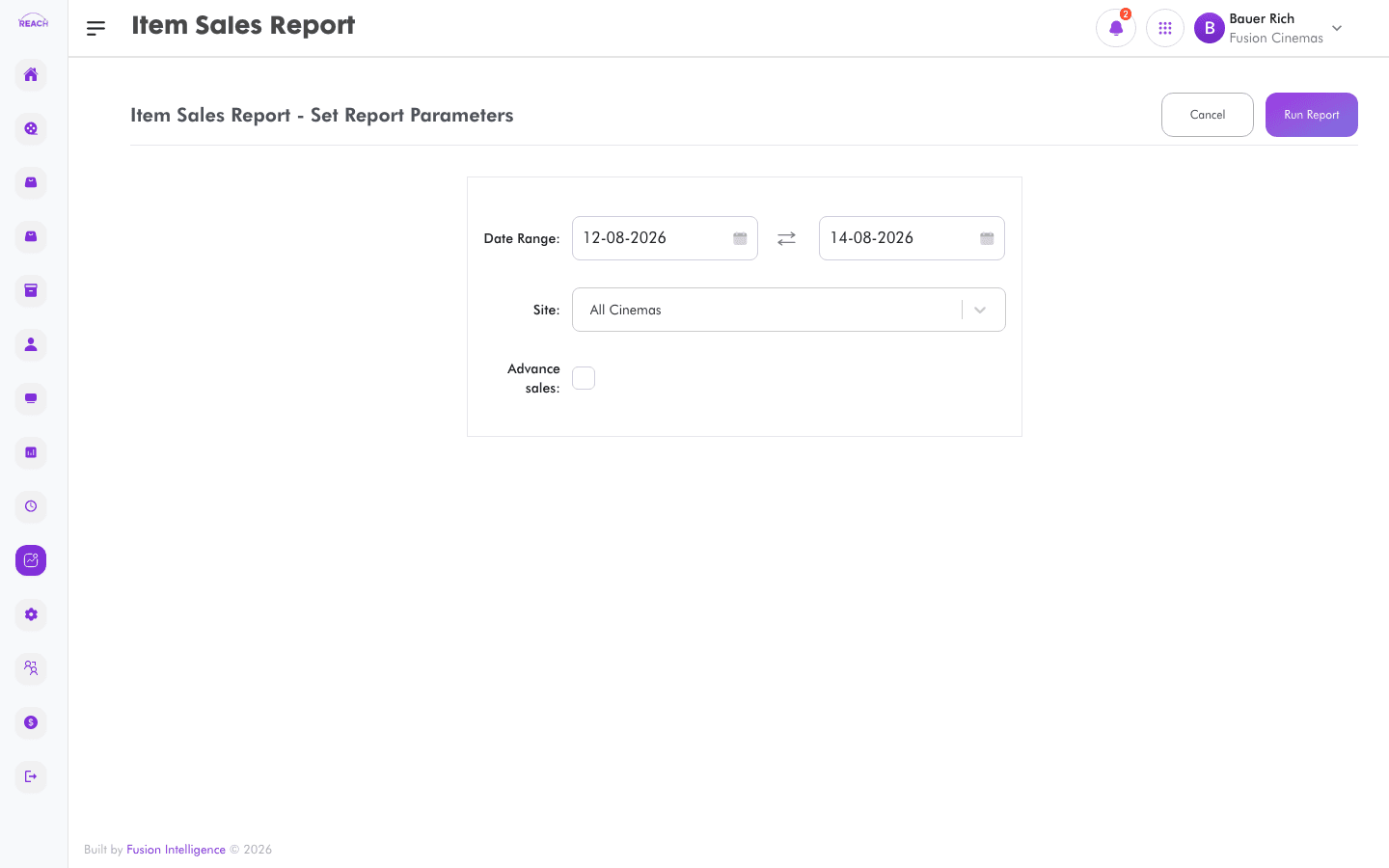
The Item Sales Report summarizes concession and retail item sales over a period. It includes an option to view advance sales.
Before you start
- Select the cinema and date range.
- Items are set up in Items.
How to generate
- Open Reports → Item Sales Report.
- Select the cinema and date range.
- Optionally tick the advance sales option to include advance sales.
- Generate and review the totals; export to Excel if needed.
