
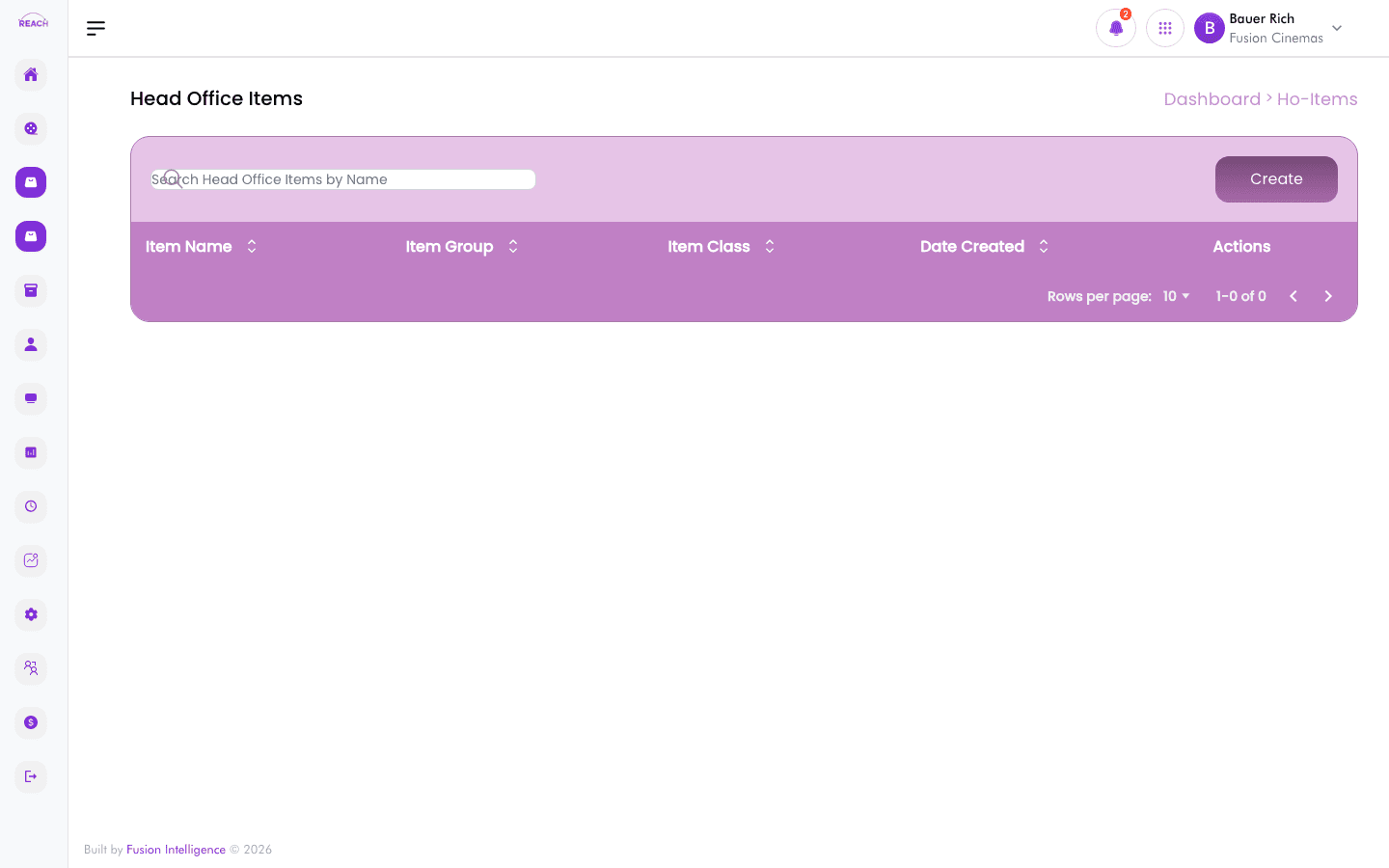
Item Link maps head-office items to the corresponding items at each cinema, keeping head-office and cinema catalogues connected. The list is headed Head Office Items; open one to create or edit its links.
Before you start
- Create your HO Items first — Item Link works from the head-office catalogue.
- Have the cinema items you want to link available in Items.
How to view head-office items and links
- Open HO Items → Item Link. The screen lists Head Office Items.
- Use the breadcrumb to navigate back up at any time.

How to create an item link
- On the Item Link screen, start a New Item link (opens the "Item Details" form).
- Complete the item-link form to associate the head-office item with the matching cinema item(s).
- Save the link.
How to edit an item link
Open an existing link from the list to change its mapping, then save.