
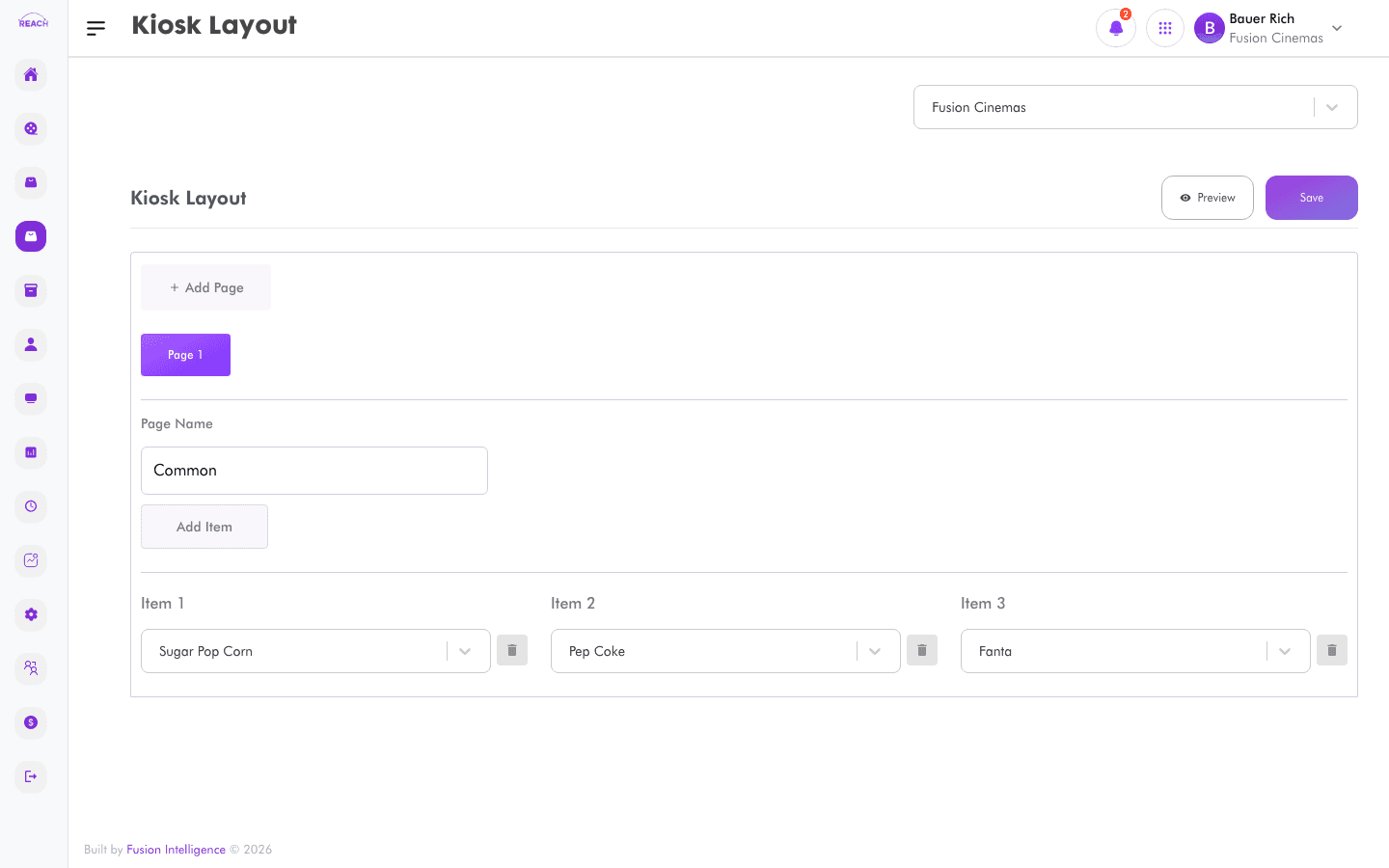
The Kiosk Layout screen controls how items are grouped and displayed on the self-service kiosk that customers use to order. Each cinema can have its own kiosk layout.
Before you start
- Create the Items you want to show first.
- Only items with the kiosk source enabled appear on the kiosk.
- Select the cinema with the cinema selector before editing.
How to configure the kiosk layout
- Open Items → Kiosk Layout.
- Choose the cinema with the cinema selector.
- Arrange the item groups/buttons into the layout as customers should see them.
- Save your changes. A "Layout updated successfully" message confirms the update.

Tips
- Lead with popular combos and packages to encourage upsell.
- Keep the layout visually simple for self-service customers.