
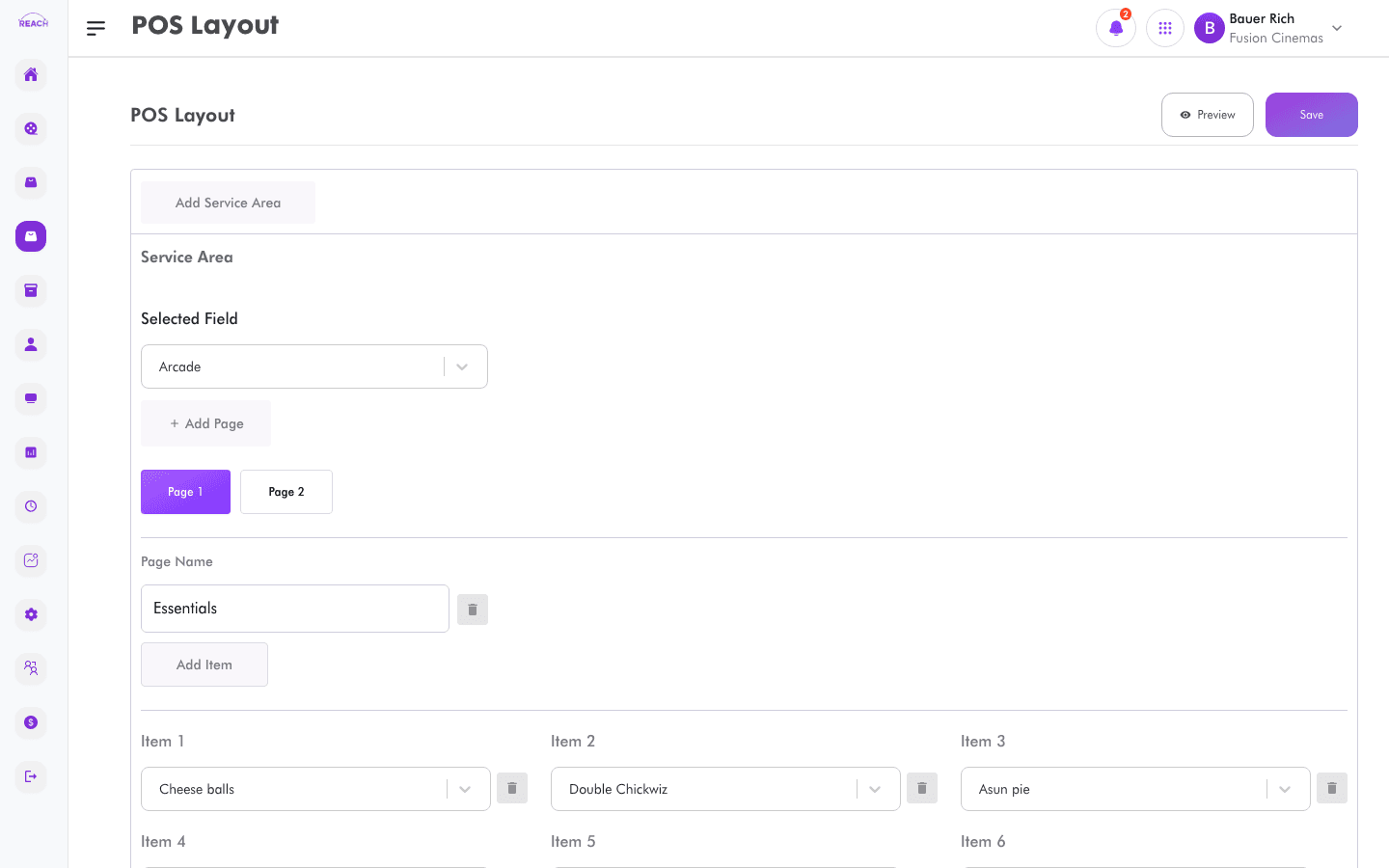
The POS Layout screen controls how items are grouped and positioned on the point-of-sale (POS) selling screen your cashiers use. A well-organised layout speeds up service and reduces mistakes.
Before you start
- Create the Items you want to place first — the layout arranges existing items.
- Only items with the POS source enabled can be sold at the till.
How to configure the POS layout
- Open Items → POS Layout.
- Arrange the item groups/buttons into the layout as you want them to appear on the POS.
- Save your changes. A "Layout updated successfully" message confirms the update.

Tips
- Group frequently sold items together so cashiers can find them quickly.
- Revisit the layout whenever you add or retire items.