
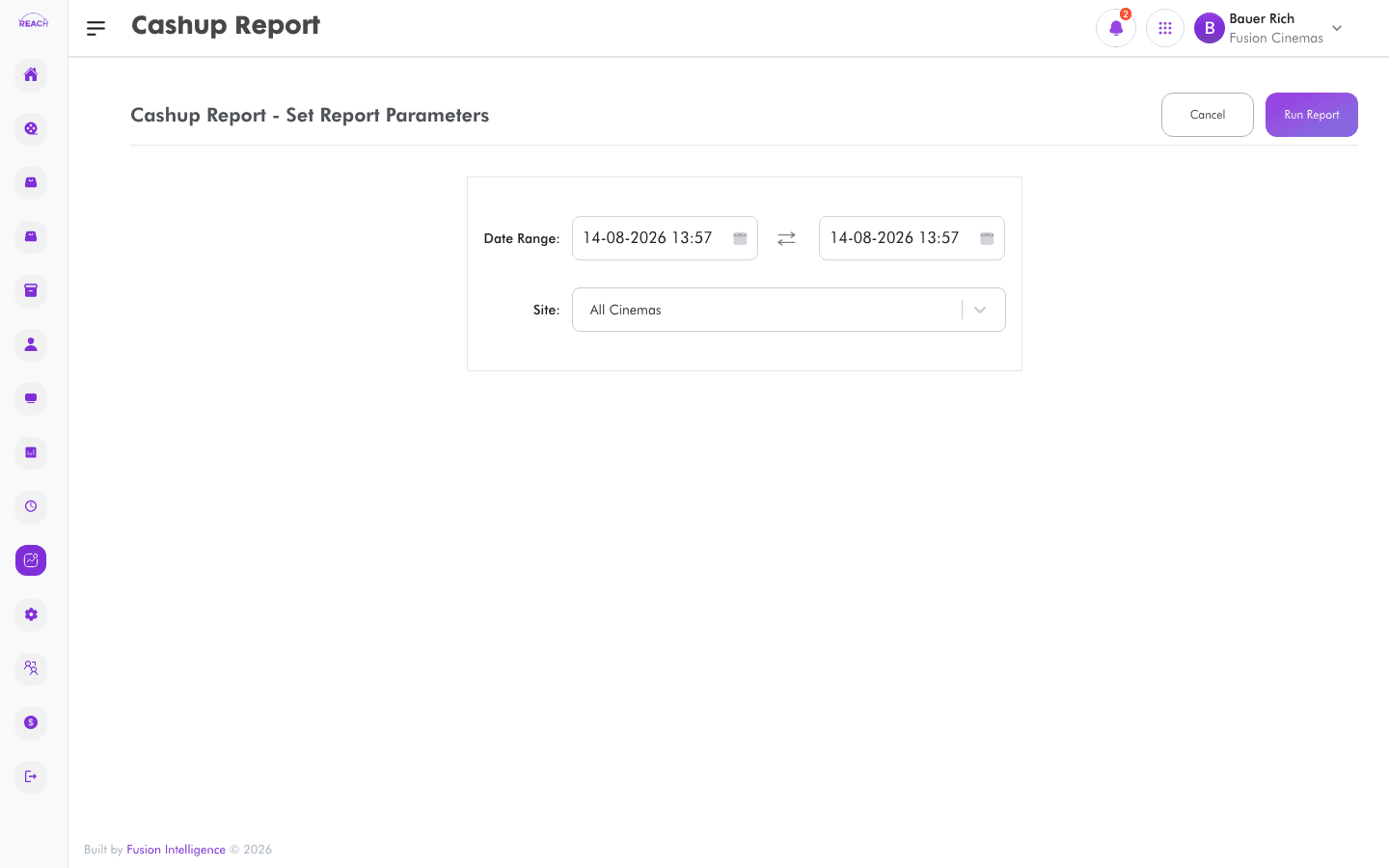
The Cashup Report shows the cash-up figures recorded when staff close their sessions — expected versus counted amounts — so you can check tills balanced.
Before you start
- Select the cinema and date range.
- Cash-ups relate to the sessions listed under Staff Sessions.
How to generate
- Open Reports → Cashup Report.
- Select the cinema and date range.
- Generate and review the cash-up figures; export to Excel if needed.
