
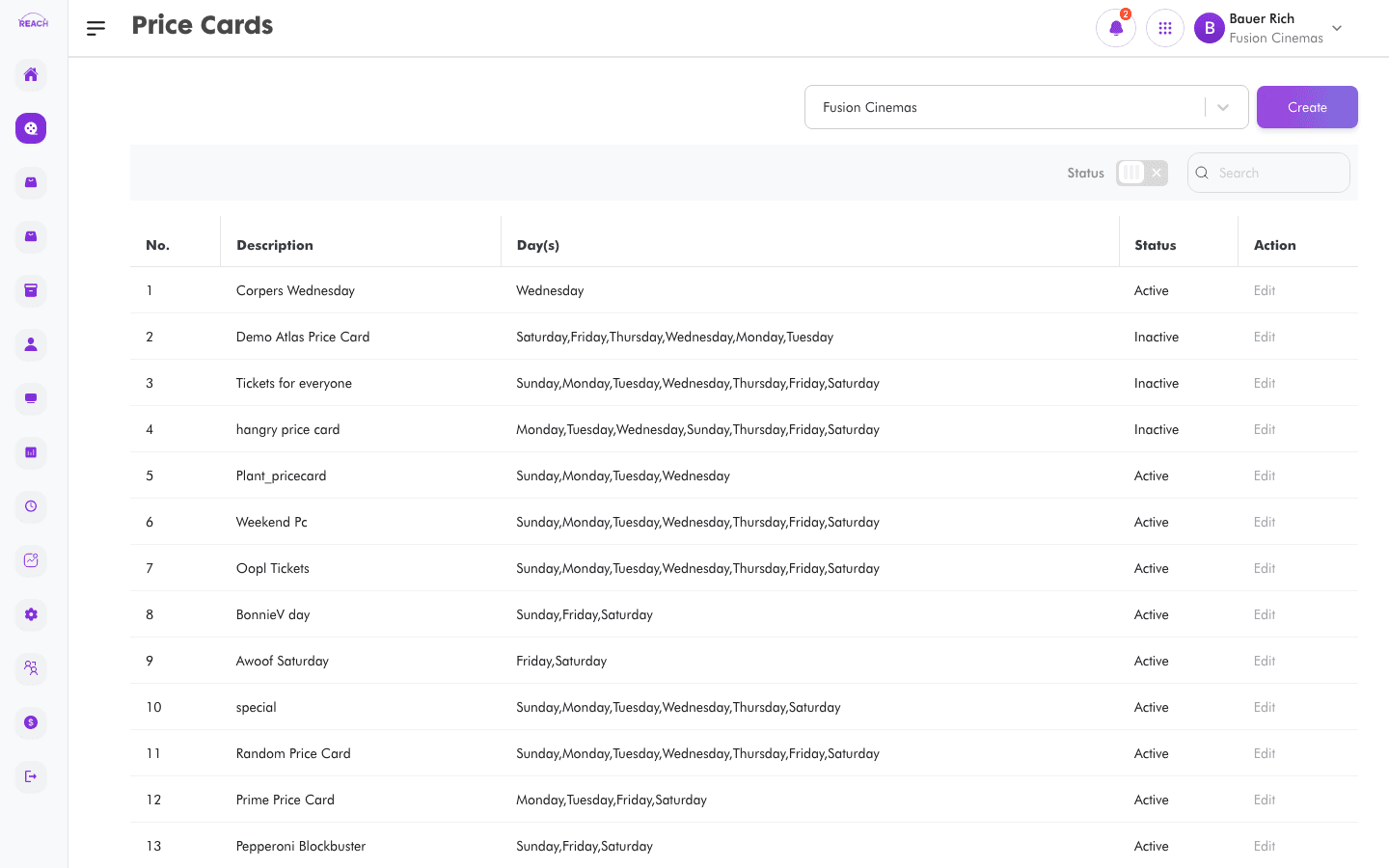
A Price Card bundles a set of tickets and the days they're available, so a cinema can vary pricing by day of the week. This screen lists price cards and lets you create and edit them.
Before you start
- Create the Tickets you want to include first — a price card references existing tickets.
- A price card belongs to one cinema.
How to create a price card
- Open Film → Price Cards, then click Create Price Card ("Back to Price cards" returns to the list).
- Complete Price Card Details:
- Name — the price card's name.
- Description — a short description.
- Select Day(s) — choose the day or days the price card applies to.
- Cinema — the cinema it belongs to.
- Status — Active or Inactive.
- Once a cinema is chosen, the Included Tickets section appears — click the add-ticket button to include tickets and set their prices.
- Click Save. You'll see "Created Price Card."

Field reference
| Field | Description |
|-------|-------------|
| Name | Price card name. |
| Description | Free-text description. |
| Select Day(s) | Days of the week the card is active. |
| Cinema | Owning cinema. |
| Status | Active / Inactive. |
| Included Tickets | Tickets in the card, each with a price. |