
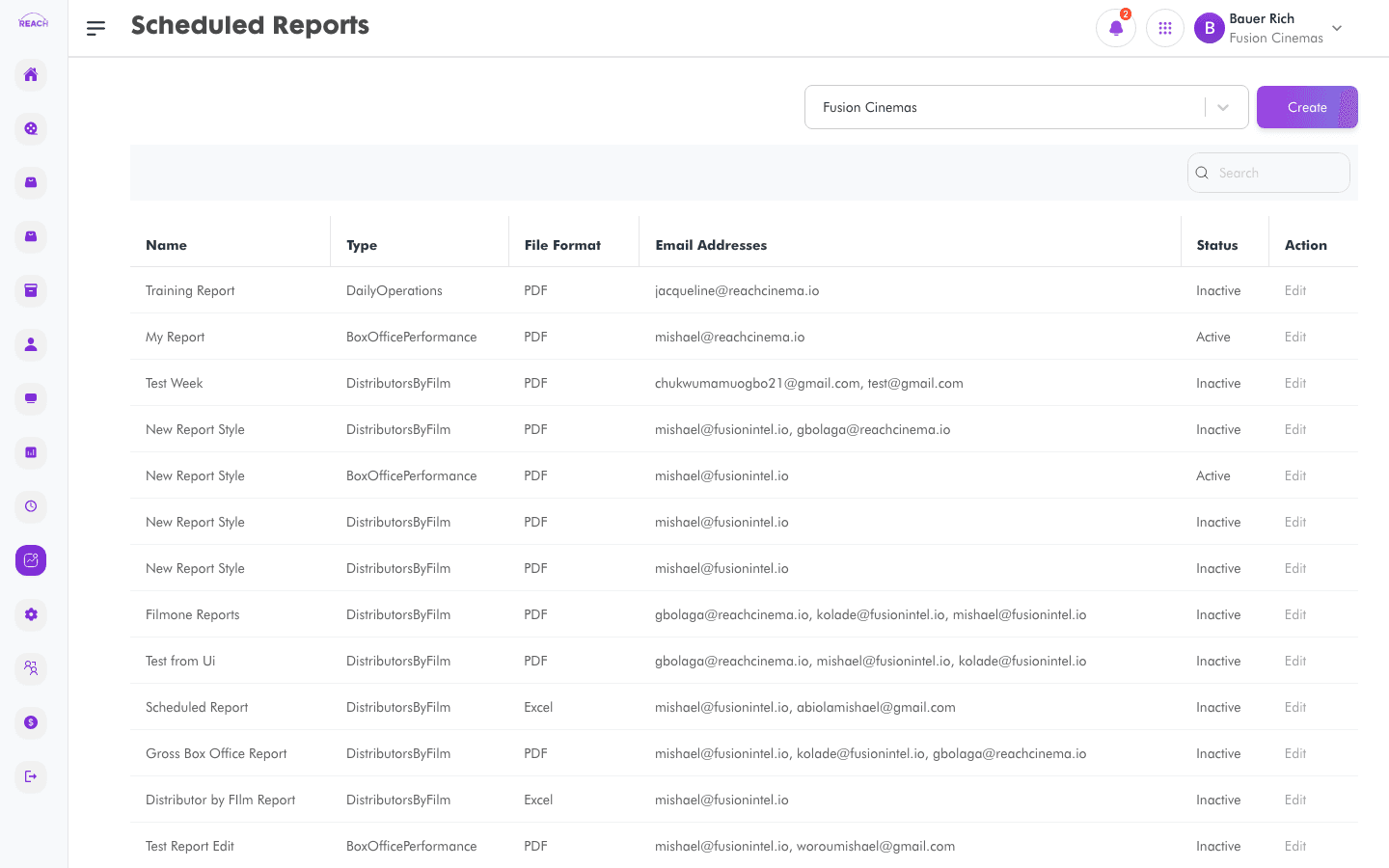
Scheduled Reports let you set a report to run automatically and be emailed to recipients on a recurring basis, so you don't have to generate it by hand. This screen lists your scheduled reports and lets you create and edit them.
Before you start
- Know which report type you want, how often, and who should receive it.
- You reach this screen from the Scheduled Reports button on the Reports overview.
How to create a scheduled report
- Open Reports → Scheduled Reports, then create one ("Create Scheduled Report"). Use Back to Scheduled Reports to return.
- Complete the form:
- Name — a name for the schedule.
- Report Type — which report to run.
- Film / Distributor — narrow the report where applicable.
- Frequency Type and Frequency — how often it runs.
- Send Day and Send Time — when it's sent.
- Days Before / Days After — the reporting window relative to the send date.
- File Format — the output format.
- Email Address — recipient(s).
- Send Empty — whether to send even when there's no data.
- Status — Active or Inactive.
- Save. Edit an existing schedule by opening it from the list.
