
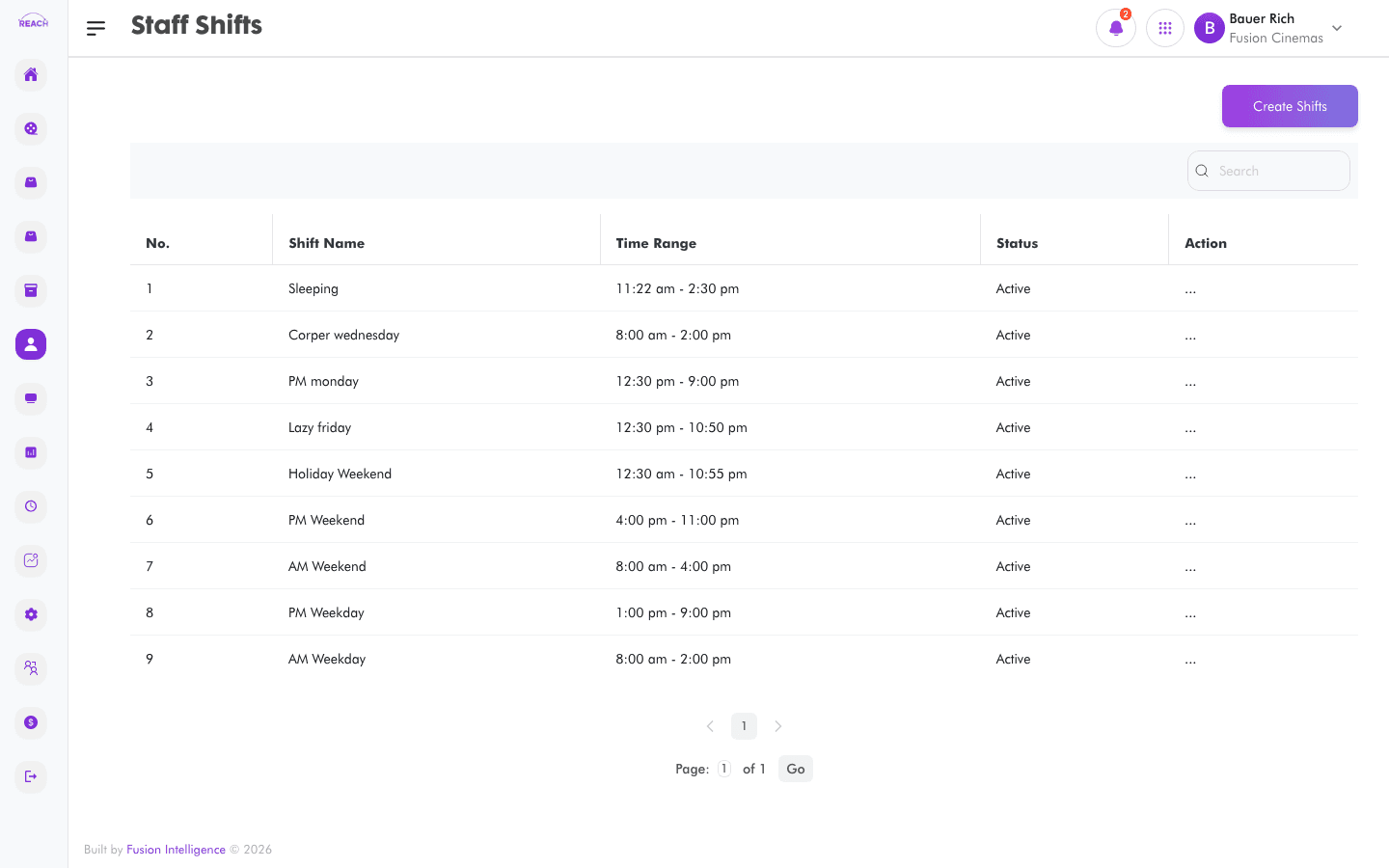
Staff Shifts are the named working periods (with a start and end time) you assign to staff on the Roster Schedule. This screen lists shifts and lets you create and edit them.
Before you start
- Shifts are reused across rosters, so set up the shifts your cinema actually runs.
How to create a shift
- Open Staff → Shifts, then create a new one ("Create Roster Shift").
- Complete the form:
- name — the shift name (e.g. Morning, Evening).
- Time — the shift's time range.
- Status — Active or Inactive.
- Save. Use Edit Staff Shift on a row to change it.

Columns
| Column | Description |
|--------|-------------|
| Shift Name | The shift's name. |
| Time Range | Start–end time of the shift. |
| Status | Active / Inactive. |
| Actions | Edit the shift. |