
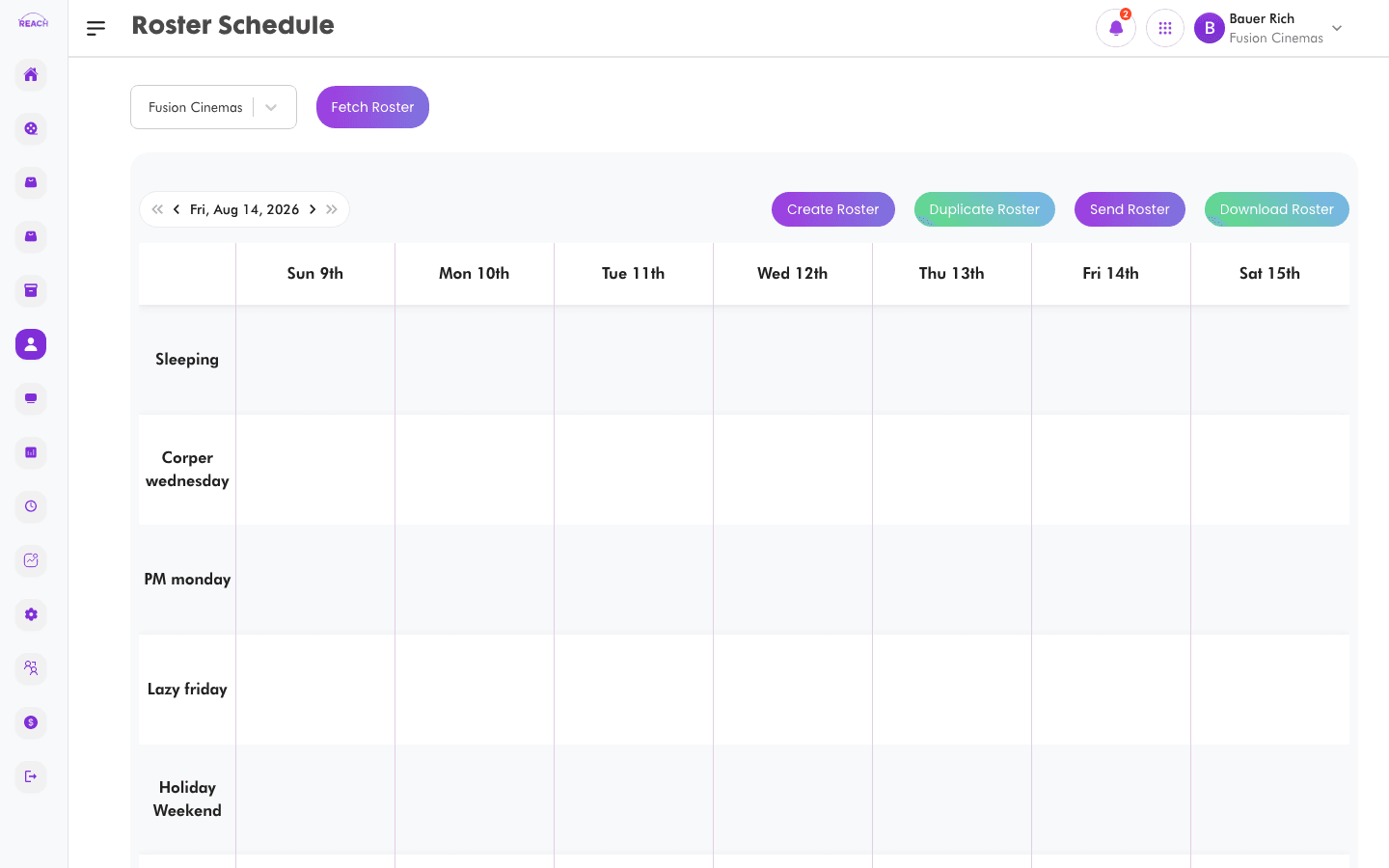
The Roster Schedule is a weekly planner where you assign shifts and tasks to staff at a cinema. You can duplicate a week, delete entries, and send the finished roster to your team.
Before you start
- Create your Staff Shifts and Staff Tasks first — the roster assigns existing shifts and tasks.
- Select the cinema with the cinema selector and choose the week.
How to build a roster
- Open Staff → Roster.
- Select the cinema and navigate to the week you want using the roster toolbar.
- Add roster entries to assign a shift or task to a staff member for a day.
- Use the context menu on an entry to update or delete it.

Roster tools
| Action | What it does |
|--------|--------------|
| Create Roster | Add a shift/task assignment. |
| Update Roster | Edit an existing assignment. |
| Duplicate Roster | Copy the roster to another period. |
| Delete Roster | Remove assignments. |
| Send Roster | Send the roster to staff. |
The colour legend explains what each entry type represents.