
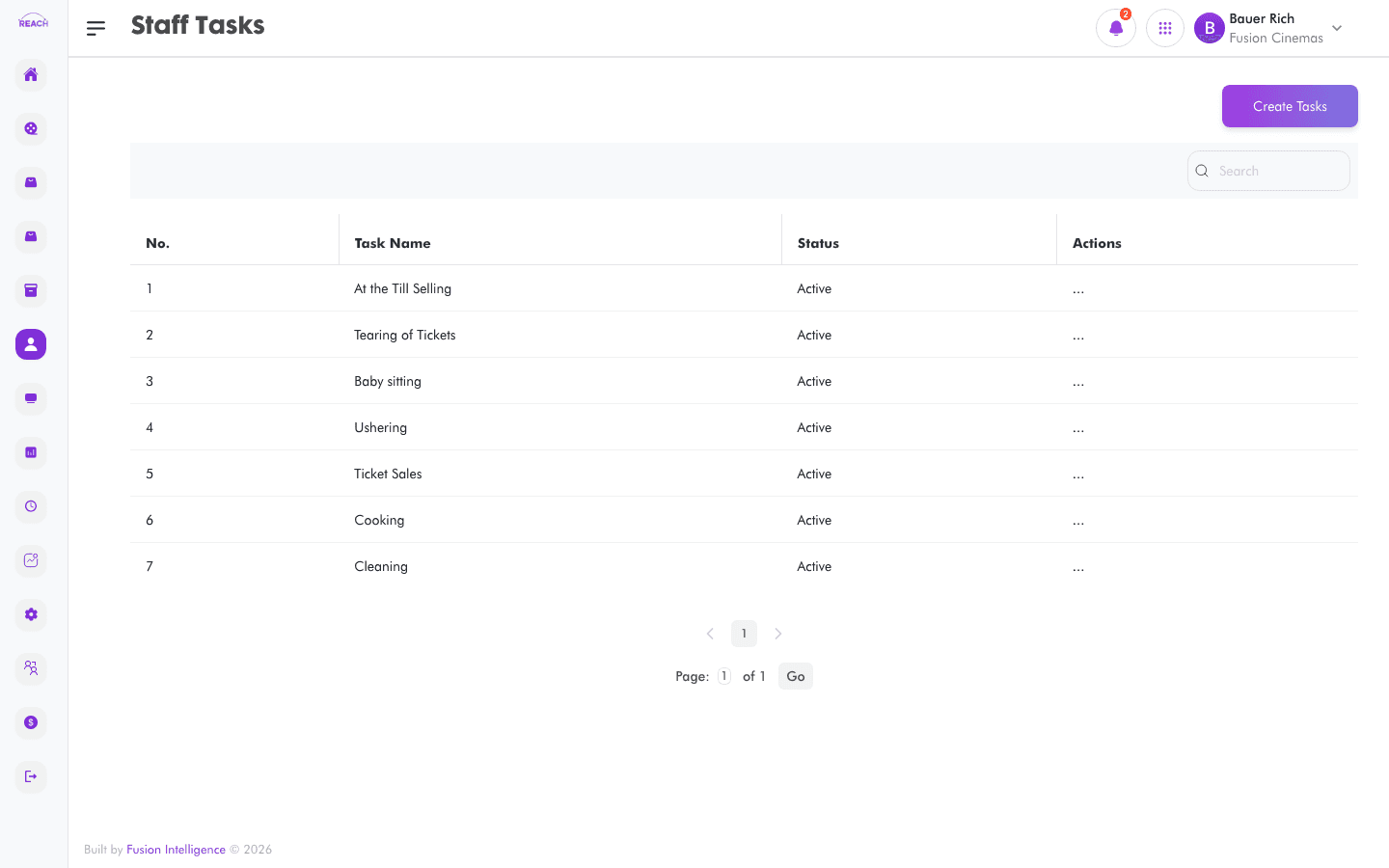
Staff Tasks are named jobs (for example, cleaning or ushering) that you assign to staff on the Roster Schedule. This screen lists tasks and lets you create and edit them.
Before you start
- Tasks are reused across rosters, so create the recurring tasks your cinema runs.
How to create a task
- Open Staff → Tasks, then create a new one ("Create Staff Task").
- Complete the form:
- name — the task name.
- Status — Active or Inactive.
- Save. Use Edit Staff Task on a row to change it.

Columns
| Column | Description |
|--------|-------------|
| Task Name | The task's name. |
| Status | Active / Inactive. |
| Actions | Edit the task. |