
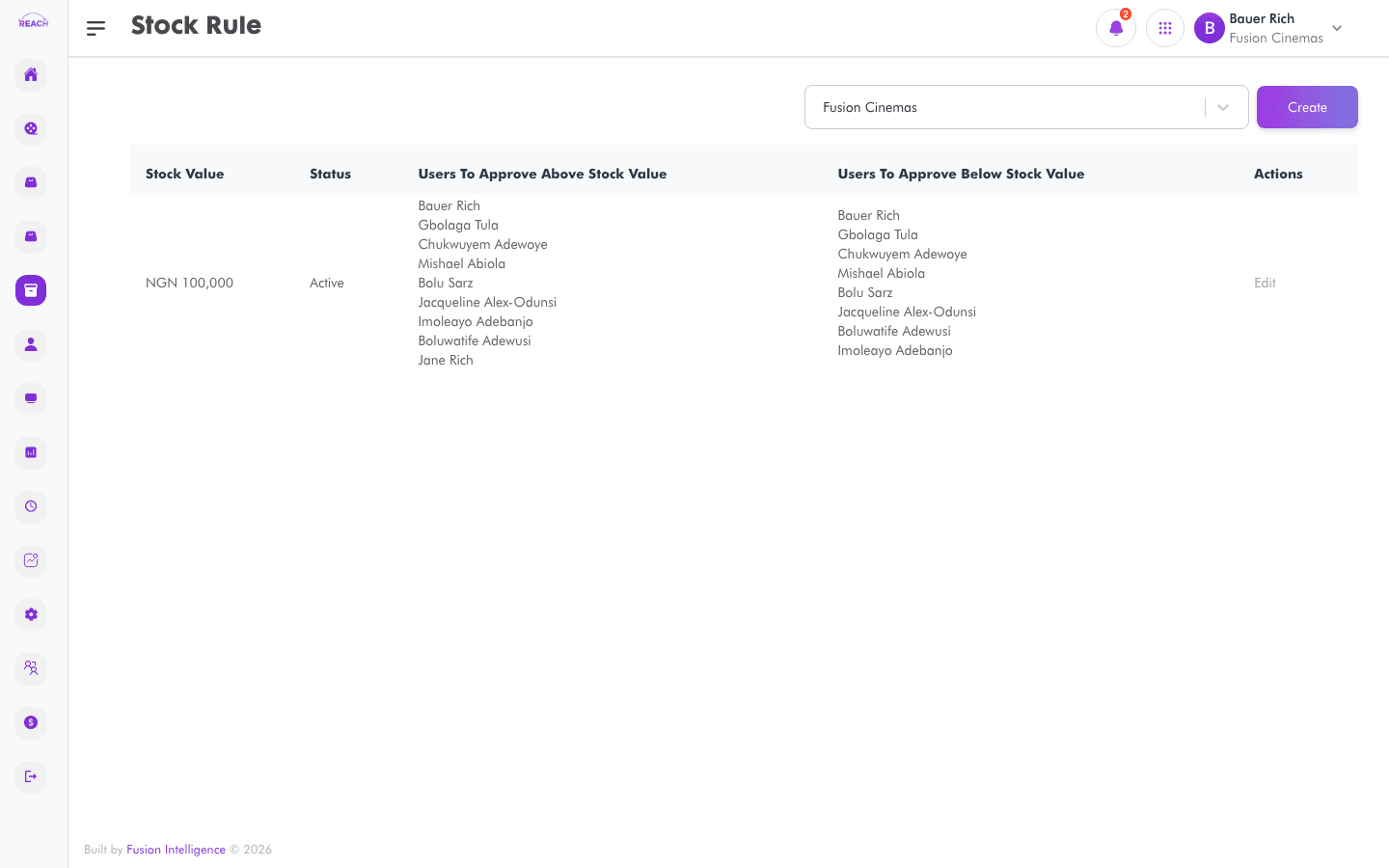
Stock Rules define who must approve stock requests depending on their value. By setting a stock value threshold and naming approvers for amounts above and below it, you control the sign-off chain for requisitions.
Before you start
- Have the staff who should approve stock set up in Staff.
- These rules govern approvals in Stock Requests.
How to create a stock rule
- Open Stock → Stock Rule, then create a new rule ("Create Stock Rule"). Use Back to Stock Rules to return.
- Complete the form:
- Stock Value — the threshold value that splits low- from high-value approvals.
- Users For High Value — approvers required above the stock value.
- Users For Low Value — approvers required at or below the stock value.
- Status — Active or Inactive.
- Save. Use Edit on a row to change a rule.

Columns
| Column | Description |
|--------|-------------|
| Stock Value | Threshold value. |
| Users To Approve Above Stock Value | Approvers for high-value requests. |
| Users To Approve Below Stock Value | Approvers for low-value requests. |
| Status | Active / Inactive. |
| Actions | Edit the rule. |