
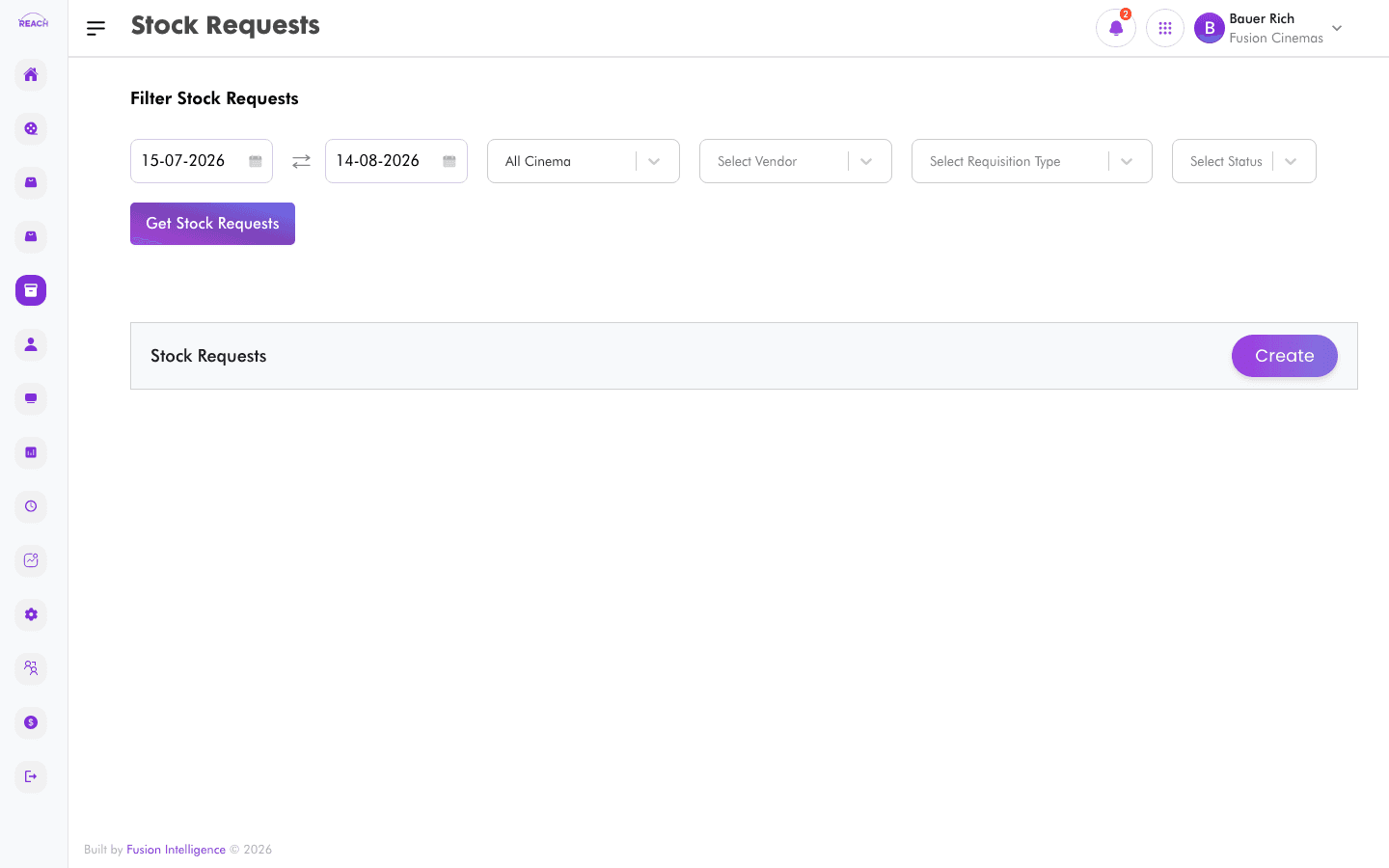
A Stock Request (requisition) is how a cinema asks for stock — either purchased from a vendor or transferred from another location. This screen lists requests and lets you create new ones and approve or reject pending requests.
Before you start
- Set up your Vendors and Locations first.
- Approval limits are governed by Stock Rules.
How to create a stock request
- Open Stock → Stock Request, then create a new request ("Create Stock Request").
- Complete the form:
- Requisition Type — the type of request.
- Requisition Date — the request date.
- Sender Cinema and Sender Location — where the stock comes from.
- Delivery Location — where it should be delivered.
- Vendor — the vendor (for purchase requisitions).
- Add the items and quantities, then submit.

How to approve or reject a request
Open a pending request and use the approve/reject action. Your approval authority depends on the stock value and the Stock Rules configuration.
Columns
| Column | Description |
|--------|-------------|
| Name | Request name/reference. |
| Requisition Type | Purchase or transfer type. |
| Cinema | Requesting cinema. |
| Location | Delivery/sender location. |
| Requested By | Who raised the request. |
| Requested Date | When it was raised. |
| Approved Date | When it was approved. |
| Rejected Date | When it was rejected. |
| Status | Current status. |
| Actions | Open / approve / reject. |