
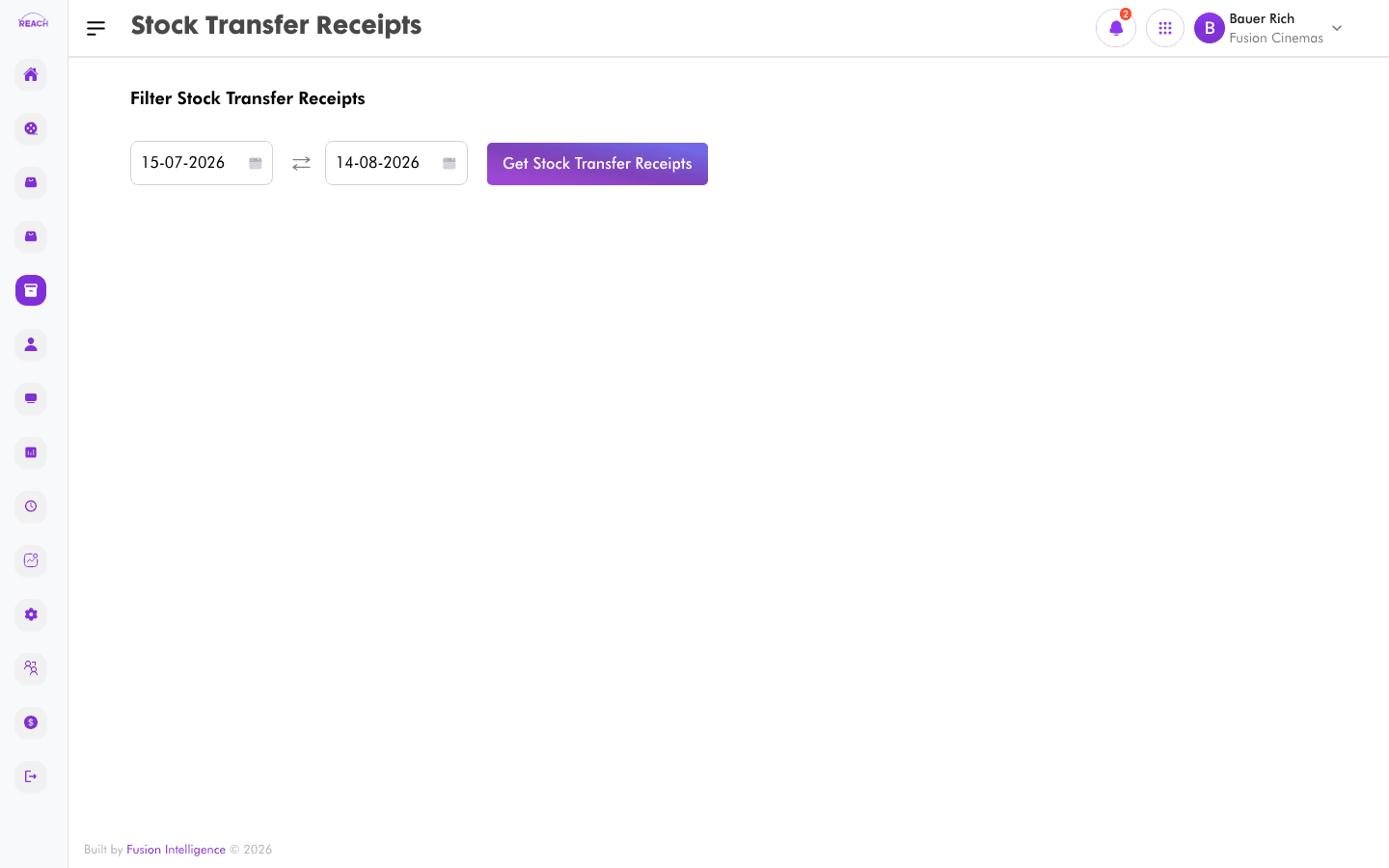
A Stock Transfer Receipt records stock received at the destination against a transfer request, and confirms it into the receiving location's on-hand quantity. This screen lists transfer receipts and lets you create and approve them.
Before you start
- A transfer receipt corresponds to a Stock Transfer Request.
- Confirm which store/location is receiving the stock.
How to create a transfer receipt
- Open Stock → Stock Transfer Receipts, then create a new one ("Create Stock Transfer Receipt").
- Select the transfer being received and confirm the quantities received into the store.
- Save the receipt.

How to approve a transfer receipt
Open a transfer receipt and use the approve action to finalize it into stock.
Columns
| Column | Description |
|--------|-------------|
| Receipt Id | Transfer receipt identifier. |
| Cinema | Receiving cinema. |
| Store | Receiving store/location. |
| Received By | Who received the stock. |
| Approved By | Who approved the receipt. |
| Actions | Open / approve. |