
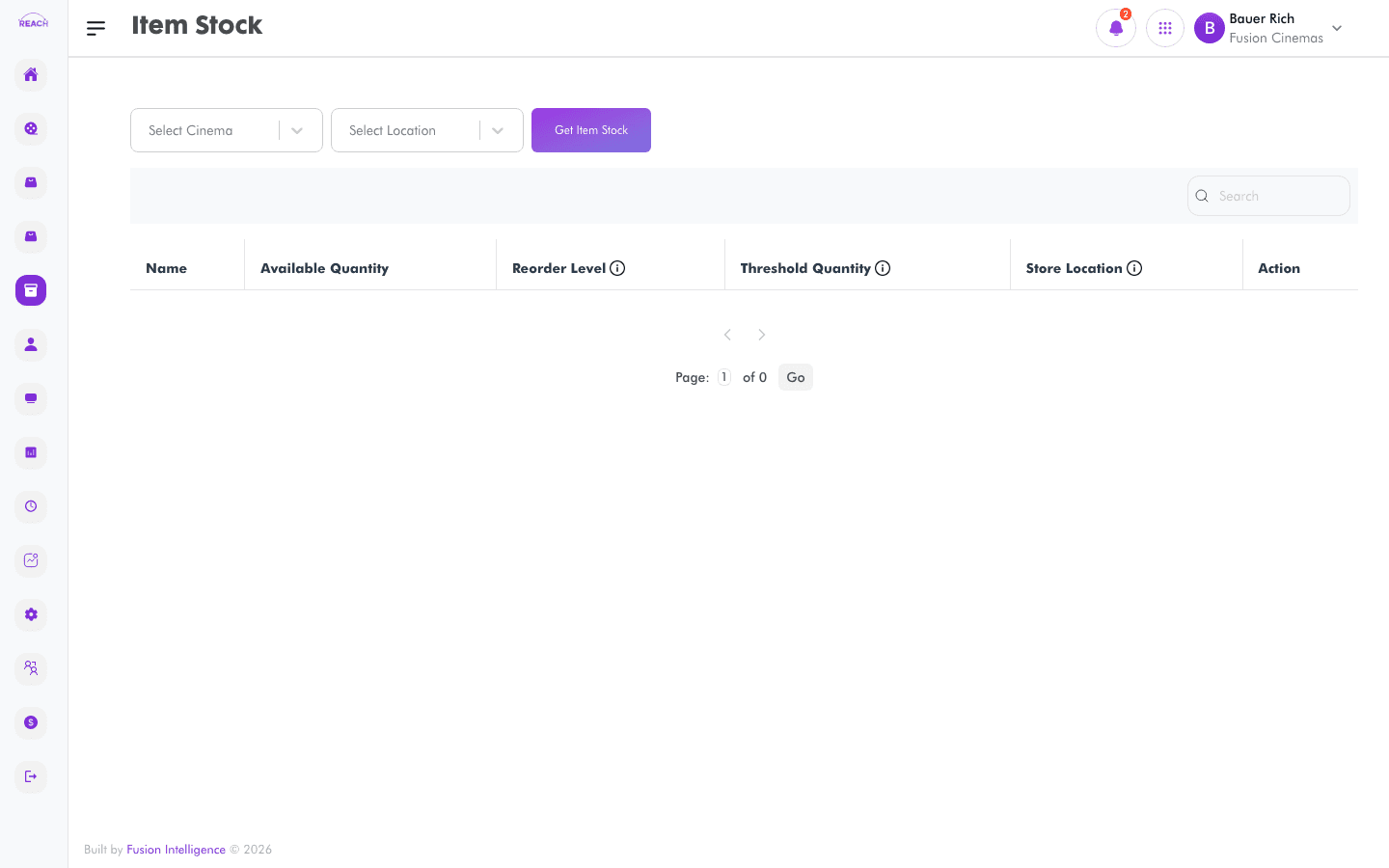
The Stock Overview screen ("Item Stock") shows the current available quantity of each stock item at the selected cinema. Use it as your at-a-glance view of what's on hand.
Before you start
- Select the cinema (and, where prompted, the location/store) whose stock you want to view.
- Stock levels are driven by receipts, transfers, sales, and stock takes across the Stock module.
How to view stock levels
- Open Stock → Overview.
- Select the cinema.
- Review the item stock table and use search to find an item.

Columns
| Column | Description |
|--------|-------------|
| Name | Item name. |
| Available Quantity | Current on-hand quantity. |
| Action | Item-level actions. |