
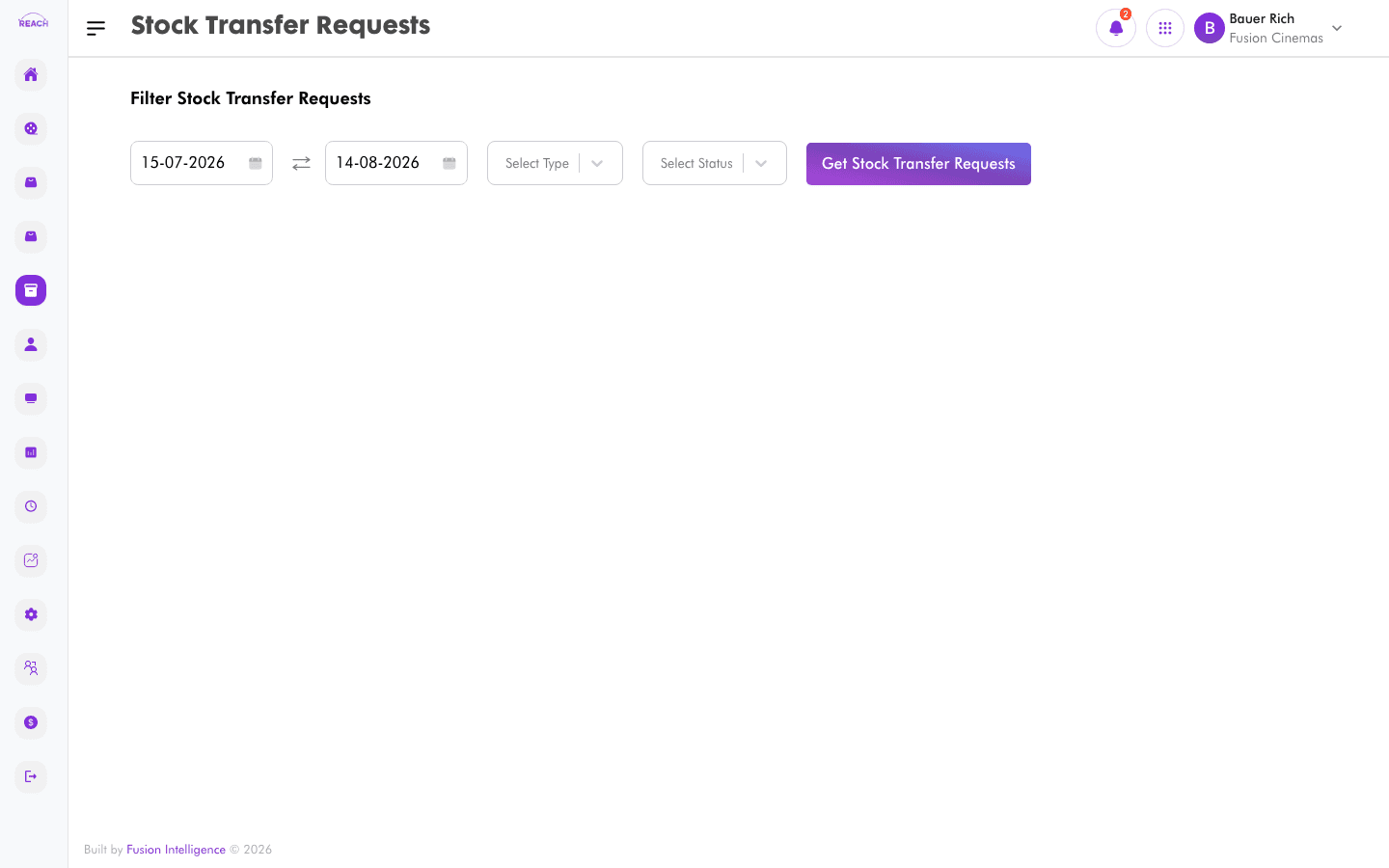
Stock Transfer Requests move stock between locations (for example, from a central store to a cinema, or between cinemas). This screen lists transfer requests with their origin, destination, and progress.
Before you start
- Both the sending and receiving Locations must exist.
- The receiving side confirms arrival in Stock Transfer Receipts.
How to view transfer requests
- Open Stock → Stock Transfer Request.
- Review the table and open a request for its lines and status.

Columns
| Column | Description |
|--------|-------------|
| Request Id | Transfer request identifier. |
| From | Sending location. |
| To | Receiving location. |
| Date Sent | When the stock was dispatched. |
| Date Made Ready | When the transfer was made ready. |
| Status | Current status. |
| Actions | Open the request. |