
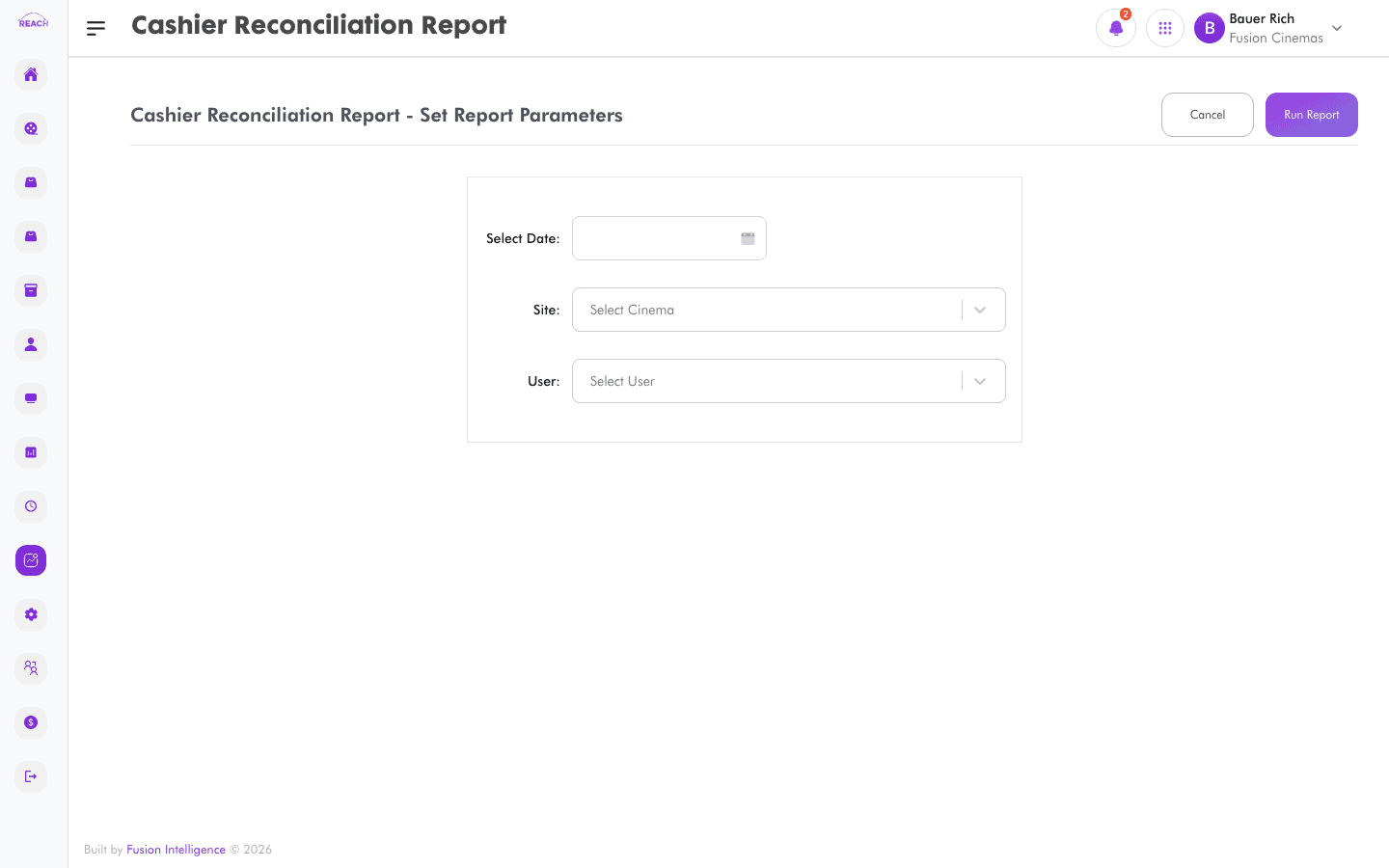
The Cashier Reconciliation Report (listed as "Cashier Session Reconciliation") reconciles each cashier's session takings against the system, highlighting overs and shorts per cashier.
The in-app URL for this report is /dashboard/reports/cashier-session-reconcilation (the "reconcilation" spelling is intentional in the app).Before you start
- Select the cinema and date range.
- Sessions are listed under Staff Sessions.
How to generate
- Open Reports → Cashier Reconciliation Report.
- Select the cinema and date range.
- Generate and review the per-cashier reconciliation; export to Excel if needed.
