
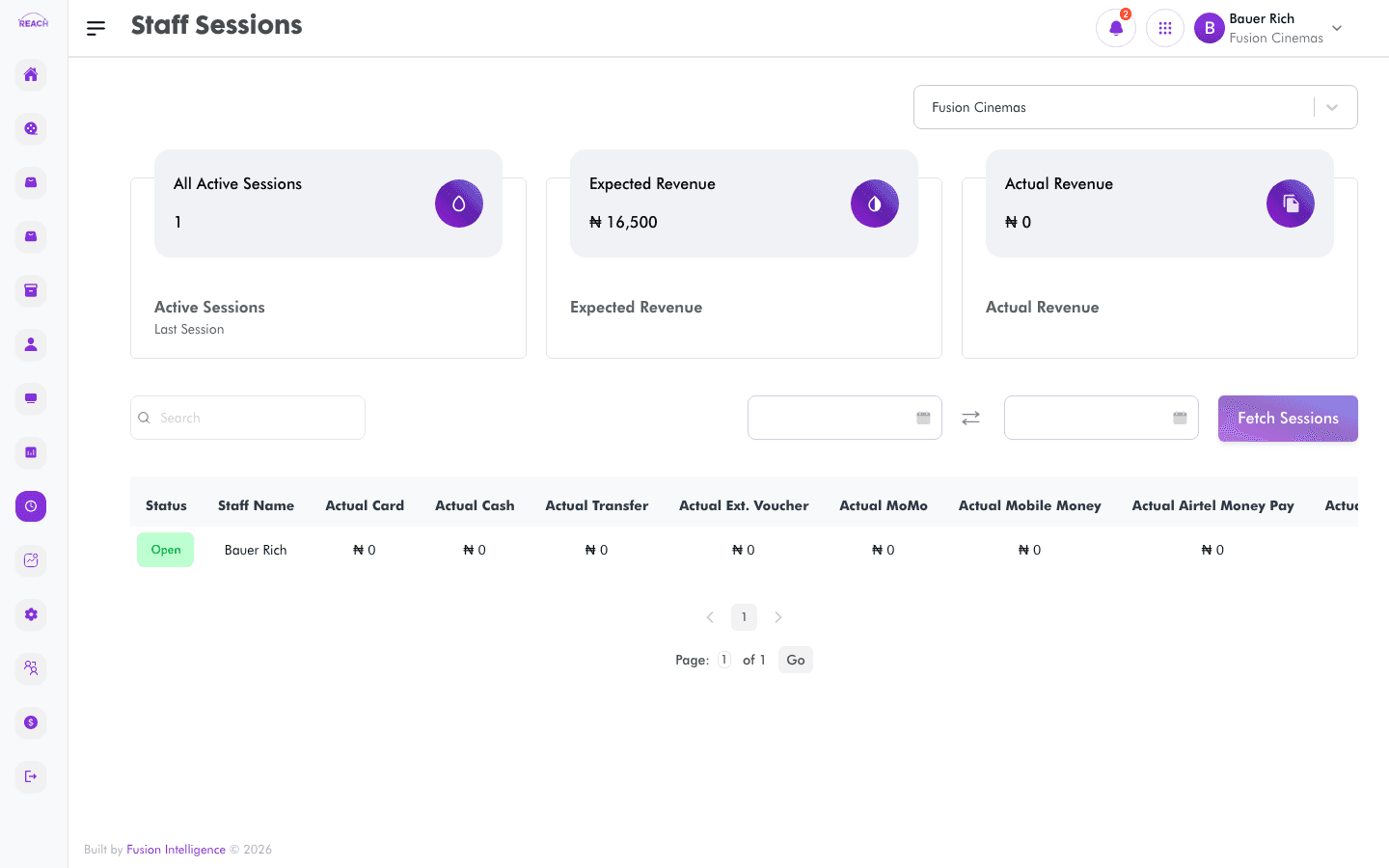
The Staff Sessions screen lists the till/point-of-sale sessions opened by staff at a cinema, with summary totals. Use it to review who traded, when, and how each session reconciled over a chosen period.
Before you start
- Choose the cinema whose sessions you want using the cinema selector at the top of the page.
- Sessions are read-only here; for reconciliation reporting see Session Reconciliation Report and Cashier Reconciliation Report.
How to view staff sessions
- Open Sessions from the sidebar.
- Use the cinema selector to pick a cinema.
- Set the date range with the date range picker (the end date must be the same as or after the start date).
- Click Fetch Sessions. The button stays disabled until a cinema and a valid date range are selected.
- Review the summary tiles at the top and the sessions table below.

Filtering the list
- Search — type a staff member's name to filter the table to their sessions.
- Date range — limits sessions to the selected start and end dates.