
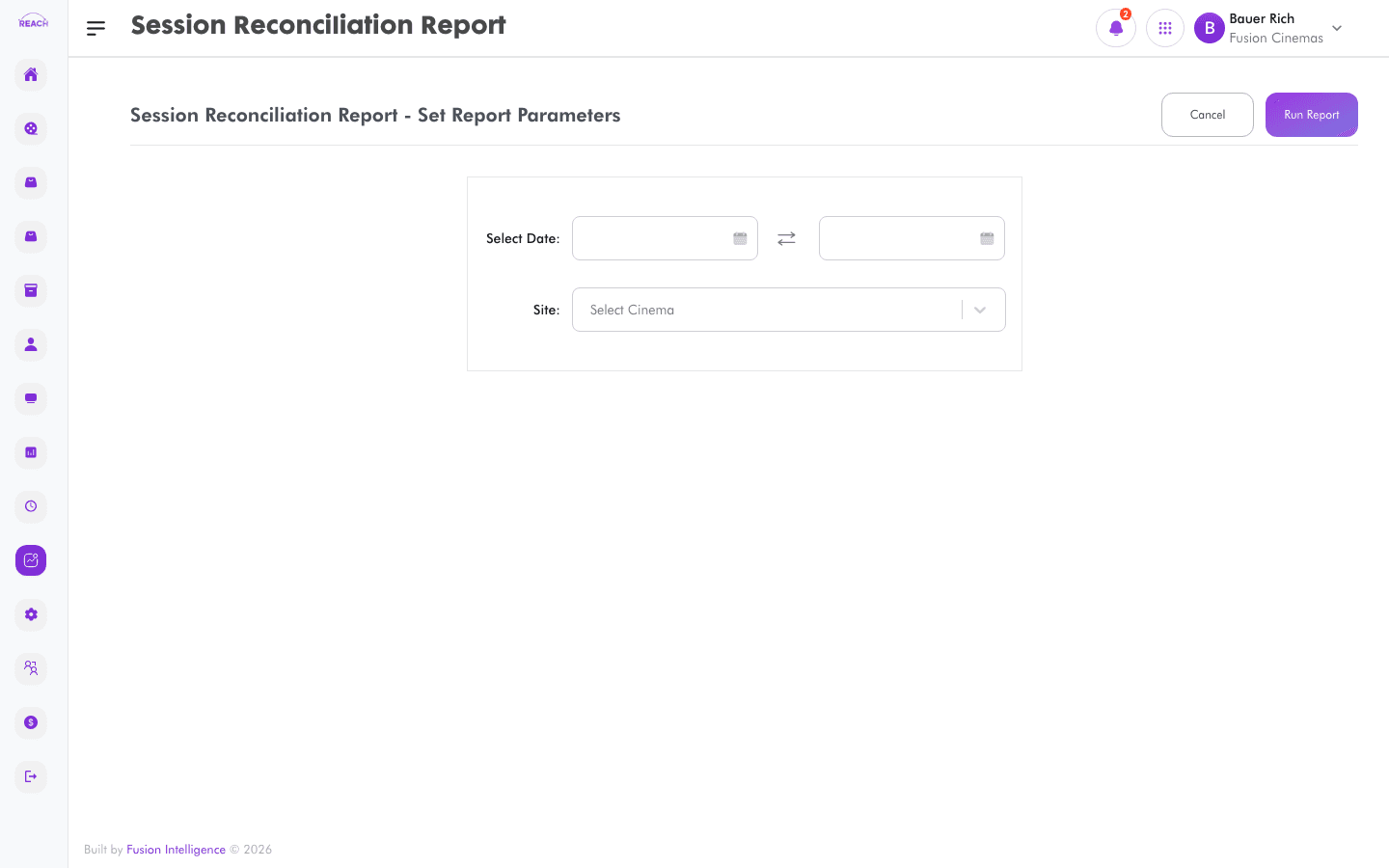
The Session Reconciliation Report reconciles each trading session's takings against the system, so you can confirm sessions balanced across the period.
Before you start
- Select the cinema and date range.
- Sessions are listed under Staff Sessions.
How to generate
- Open Reports → Session Reconciliation Report.
- Select the cinema and date range.
- Generate and review the reconciliation; export to Excel if needed.
