
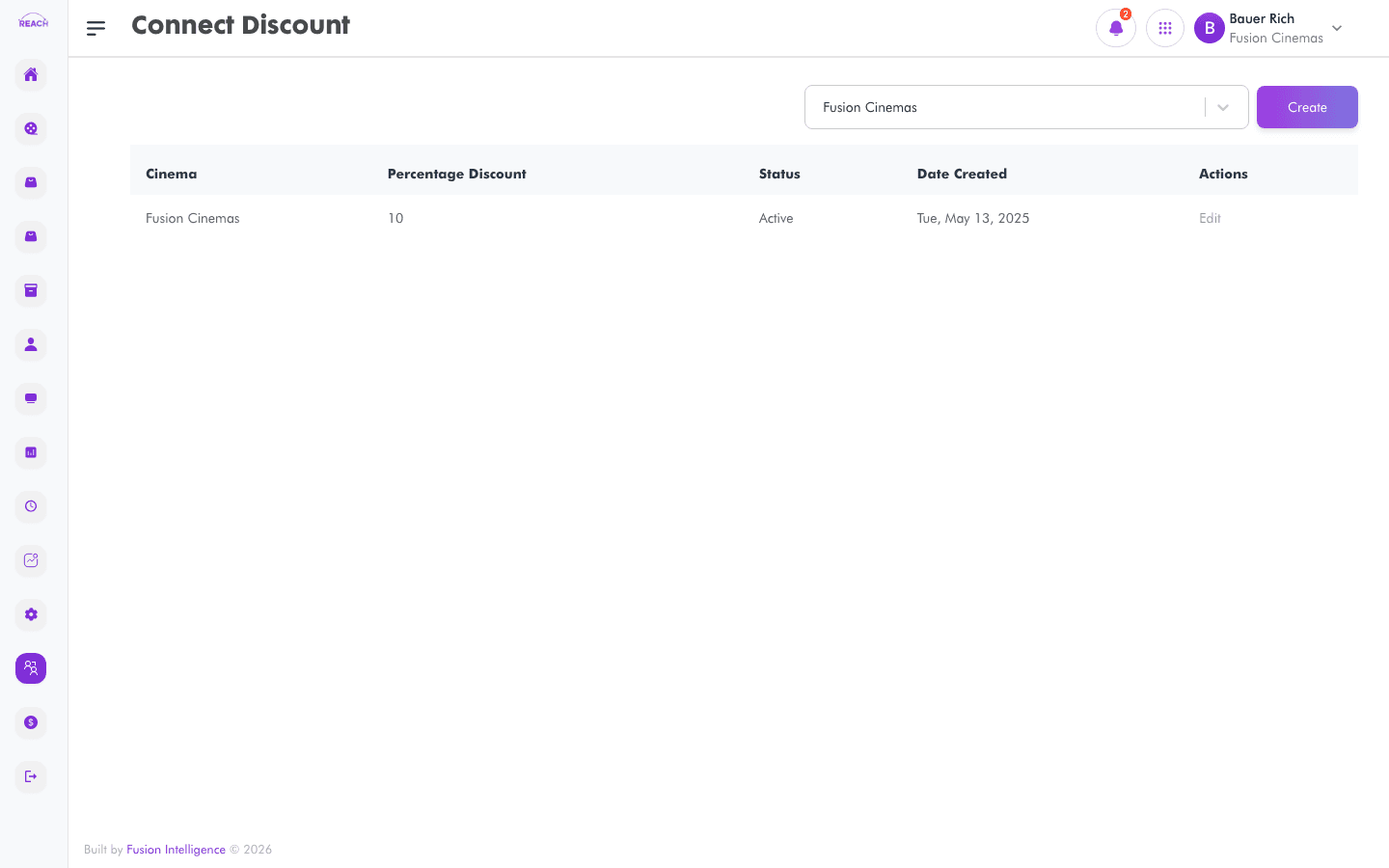
Connect Discounts are percentage discounts applied to online sales made through Connect partners. This screen lists discounts and lets you create and edit them.
Before you start
- Select the cinema the discount applies to.
- Connect Showtimes/Tickets/Items should be set up so partners have something to sell — see Connect Showtimes.
How to create a Connect discount
- Open Connect → Discount, then create a new one ("Create Connect Discount"). Use Back to Connect Discounts to return.
- Complete the form:
- Cinema — the cinema the discount applies to.
- Percentage Discount — the discount percentage.
- Status — Active or Inactive.
- Save. You'll see "Connect Discount Created Successfully."

How to edit a Connect discount
Open a discount from the list, change the fields, and save.