
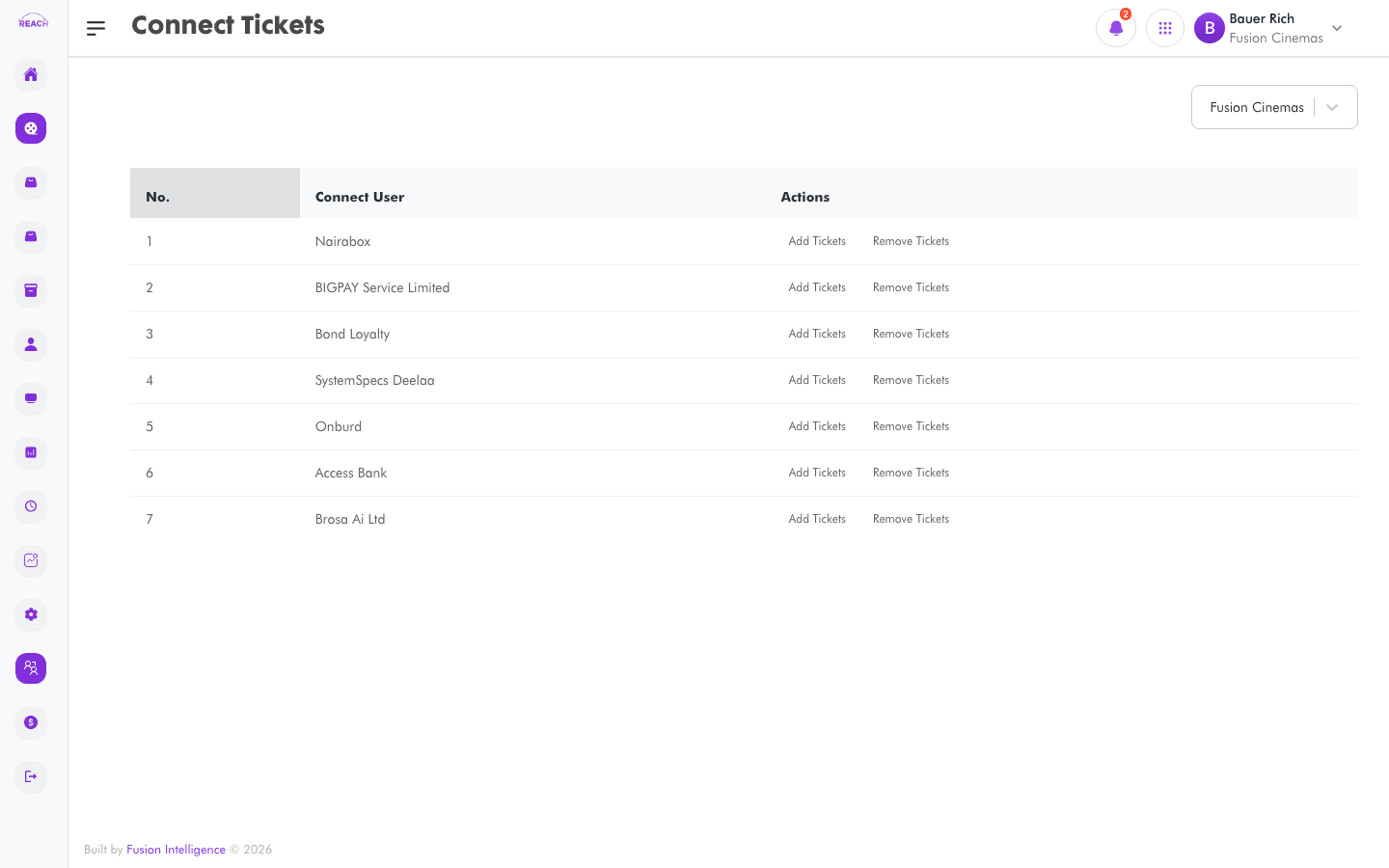
Connect Tickets lets you add or remove the tickets that each Connect user (online sales partner) is allowed to sell for a cinema.
Before you start
- Create the Tickets you want to expose online first.
- Select the cinema with the cinema selector.
How to add or remove Connect tickets
- Open Connect → Ticket.
- Select the cinema with the cinema selector.
- In the Connect Users table, on the partner's row:
- Click Add Tickets to grant tickets to that partner.
- Click Remove Tickets to withdraw tickets from that partner.
- Choose the tickets in the dialog and confirm.

Columns
| Column | Description |
|--------|-------------|
| Connect User | The online sales partner. |
| Actions | Add Tickets / Remove Tickets. |