
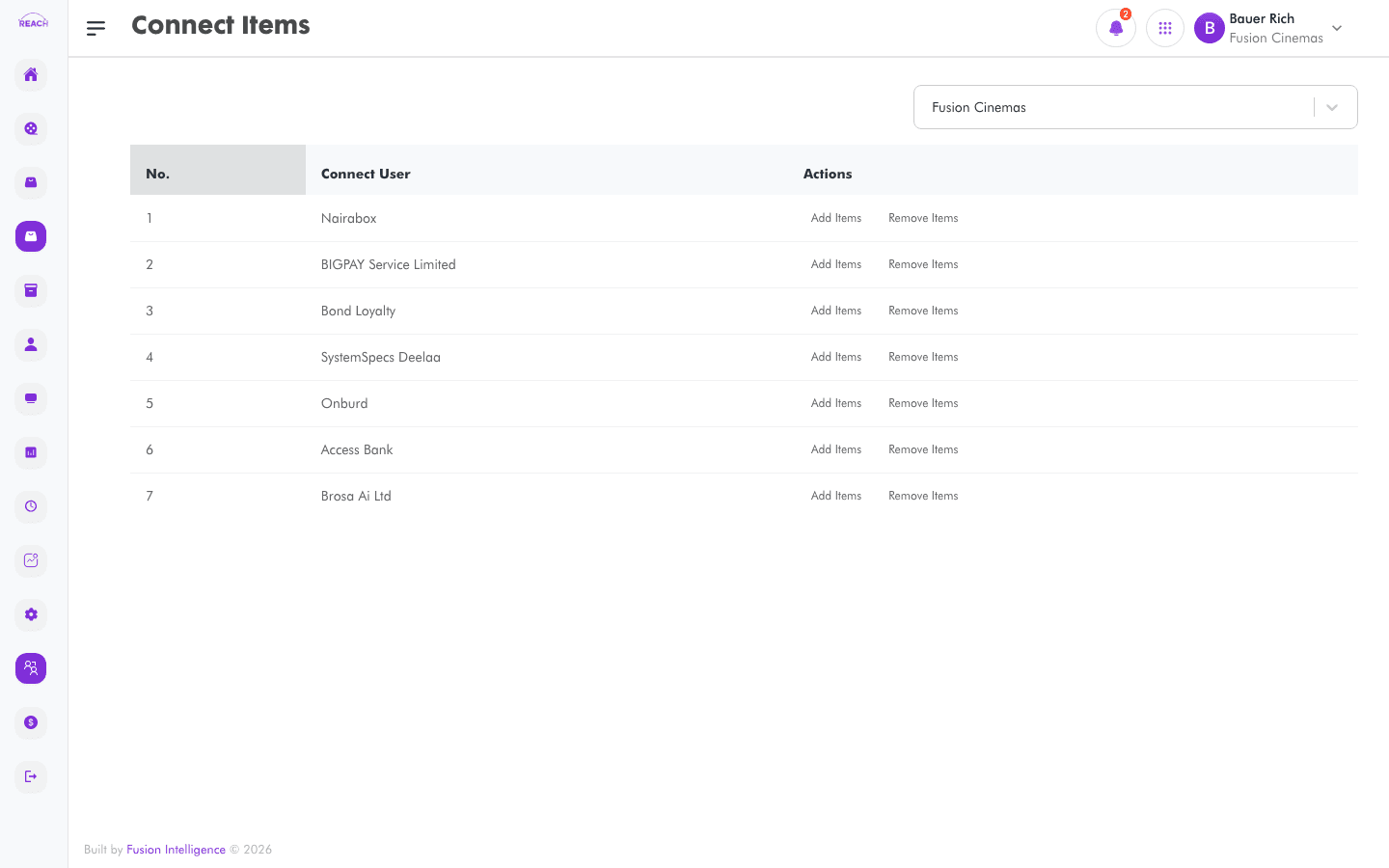
Connect Items lets you control which items each Connect user (online sales partner) can sell for a cinema, so your concessions are available through the right online channels.
Before you start
- Create the Items you want to sell online first.
- Select the cinema with the cinema selector.
How to manage Connect items
- Open Connect → Items.
- Select the cinema with the cinema selector.
- In the Connect Users table, use Edit on a partner's row to choose the items they can sell.
- Confirm your selection.

Columns
| Column | Description |
|--------|-------------|
| Connect User | The online sales partner. |
| Actions | Edit the partner's items. |