
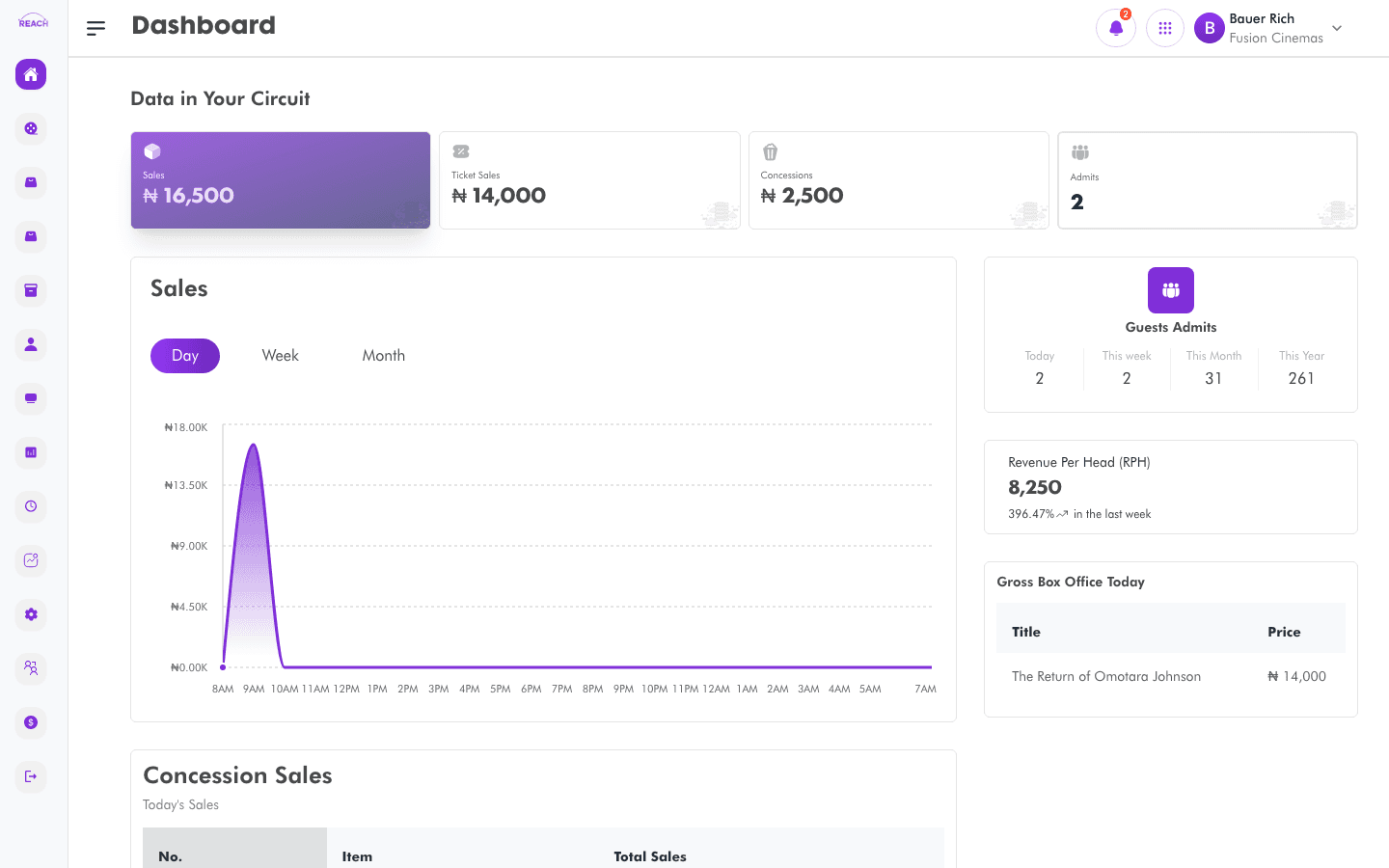
The Dashboard is the landing page after you sign in. It summarizes performance across your circuit and for individual cinemas, and surfaces featured announcements from Reach.
Before you start
- Any signed-in user lands here; there is no special permission required.
- Data is scoped to the cinemas in your circuit.
What's on the Dashboard
- Featured announcement — when Reach publishes an announcement, a pop-up appears with the title, a greeting ("Hi <your first name>,"), and the message. Click Explore to open a linked page, or Cancel to dismiss. The Cancel button unlocks after a short countdown.
- Data in Your Circuit — circuit-level charts and figures (
CinemaDashboard). - Cinema Overview — a per-cinema breakdown (
CinemaOverview). - Single-cinema dashboard — detailed charts for one selected cinema.

How to change the chart view
The dashboard charts are controlled by URL query values that default to Sales chart type and Hourly duration on first load. Use the on-chart controls to switch chart type and duration.
Tips
- Seasonal banners (for example, a Happy New Year or Customer Service Week greeting) may appear at the top during certain periods.