
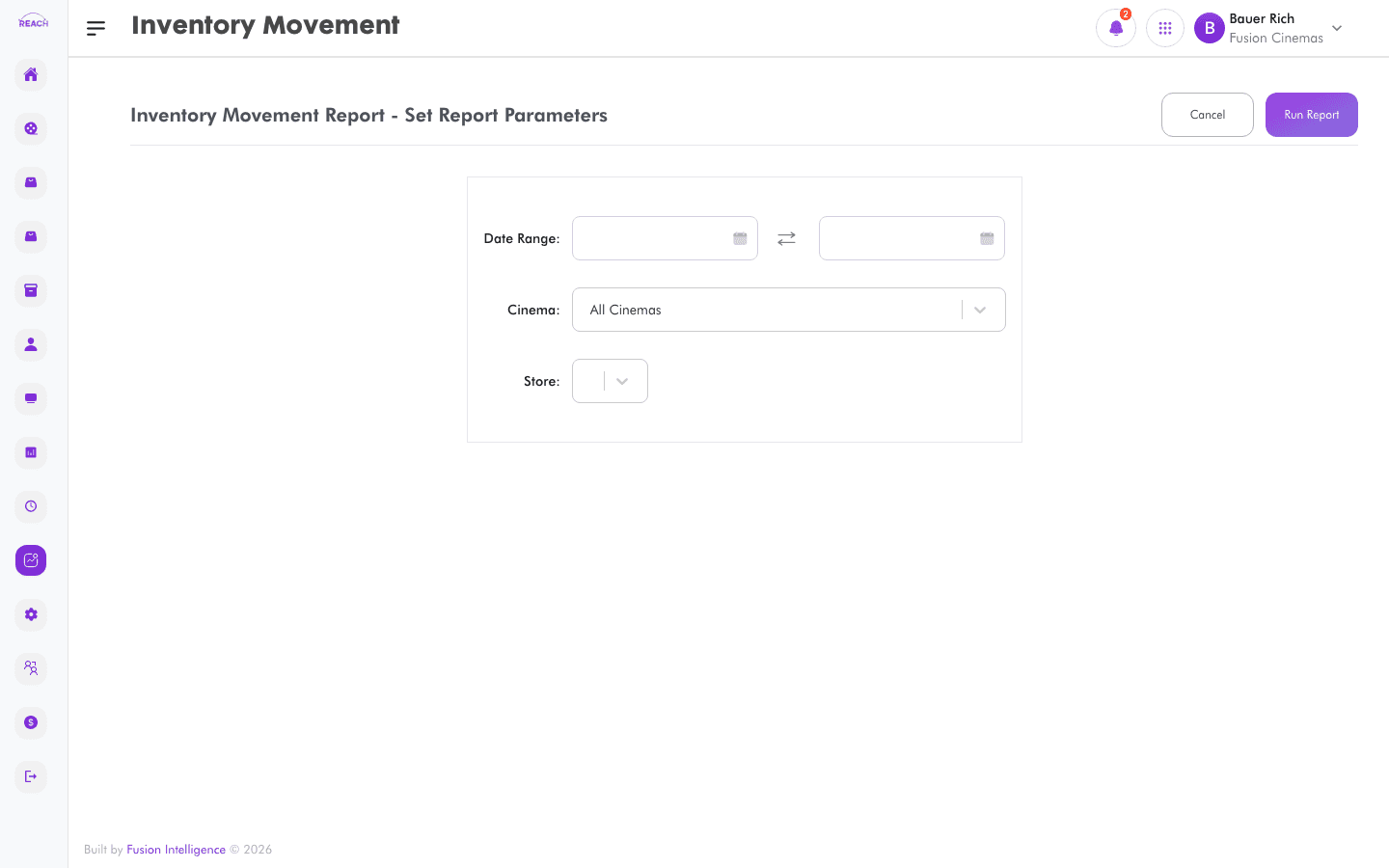
The Inventory Movement Report shows how stock moved over a period — what came in via receipts and transfers, what went out through sales, and what changed through stock takes and adjustments.
Before you start
- Select the cinema (and location where prompted) and date range.
- Movements are driven by the Stock module.
How to generate
- Open Reports → Inventory Movement.
- Select the cinema and date range.
- Generate and review the movements; export to Excel if needed.
