
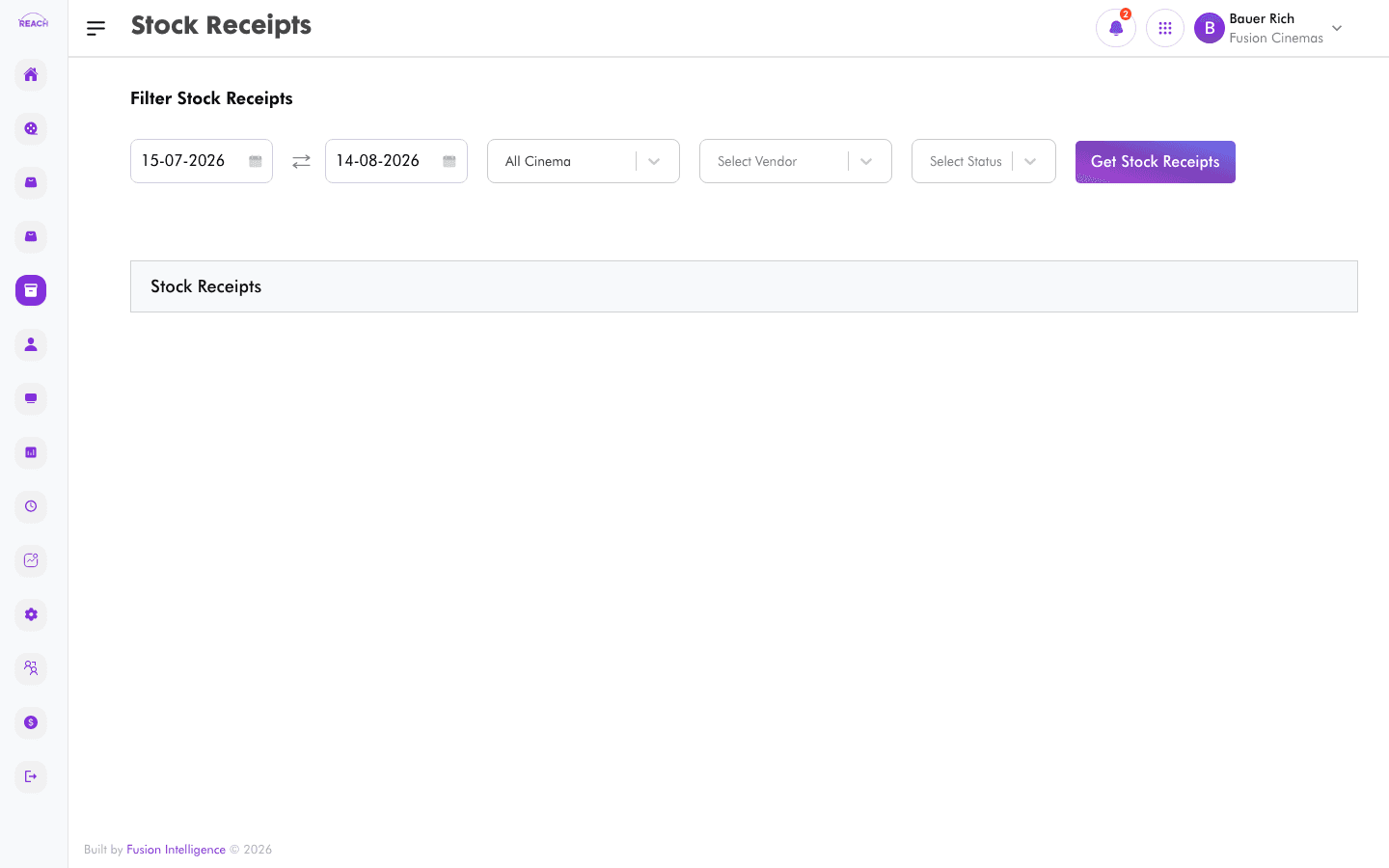
A Stock Receipt records the goods actually received against a purchase order, along with the vendor's invoice details. Receipting stock is what increases on-hand quantities in Stock Overview.
Before you start
- You receipt against an existing Purchase Order.
- Have the vendor's invoice to hand for the invoice date and amounts.
How to create a stock receipt
- Open Stock → Stock Receipt, then create a new receipt ("Create Stock Receipt").
- Complete the form:
- Invoice date — the vendor invoice date.
- Received all items — tick if the full order arrived; otherwise record the quantities received.
- Tax inclusive — whether the amounts include tax.
- Confirm the received quantities per line and save.

How to approve or reject a receipt
Open a receipt and use the approve/reject action to finalize or return it.
Columns
| Column | Description |
|--------|-------------|
| Receipt No. | Receipt number. |
| Order Id | The purchase order received against. |
| Vendor | The supplying vendor. |
| Receipt Amount | Total value received. |
| Date Receipted | When it was receipted. |
| Status | Current status. |
| Actions | Open / approve / reject. |