
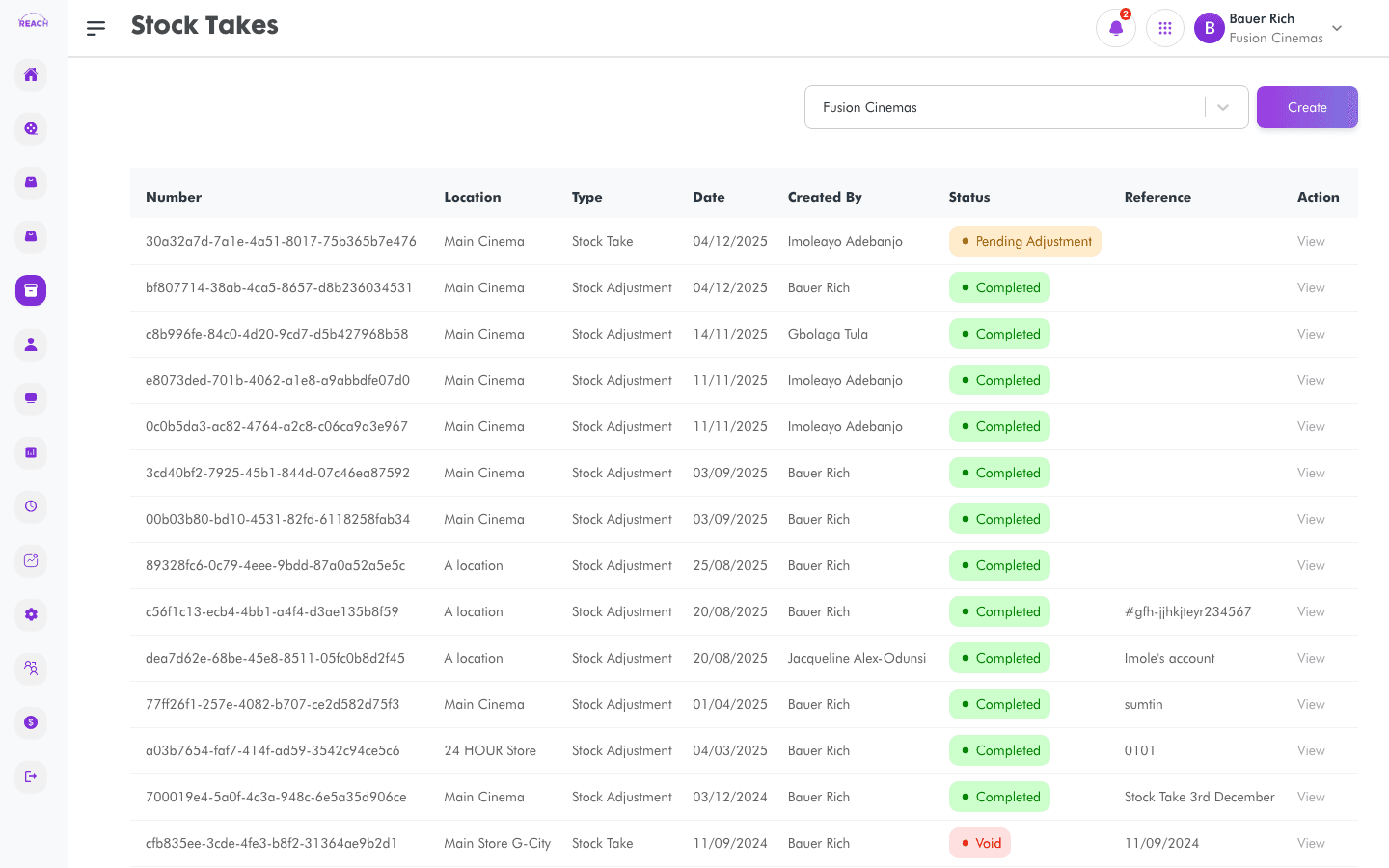
Stock Takes let you count physical stock at a location and record adjustments so the system's on-hand quantities match reality. This screen lists stock takes and adjustments and lets you create new ones.
Before you start
- Choose the Location you're counting.
- Stock takes affect the figures shown in Stock Overview and the Inventory Movement Report.
How to create a stock take
- Open Stock → Stock Takes & Stock Adjustments, then create a new one ("Create Stock Take").
- Select the Location being counted.
- Enter counted quantities per item; the system records the difference as an adjustment.
- Save. Use View on a row to review a completed stock take.

Columns
| Column | Description |
|--------|-------------|
| Number | Stock take number. |
| Reference | Reference text. |
| Type | Stock take or adjustment type. |
| Location | Location counted. |
| Date | Date of the count. |
| Created By | Who performed it. |
| Status | Current status. |
| Action | View the stock take. |