
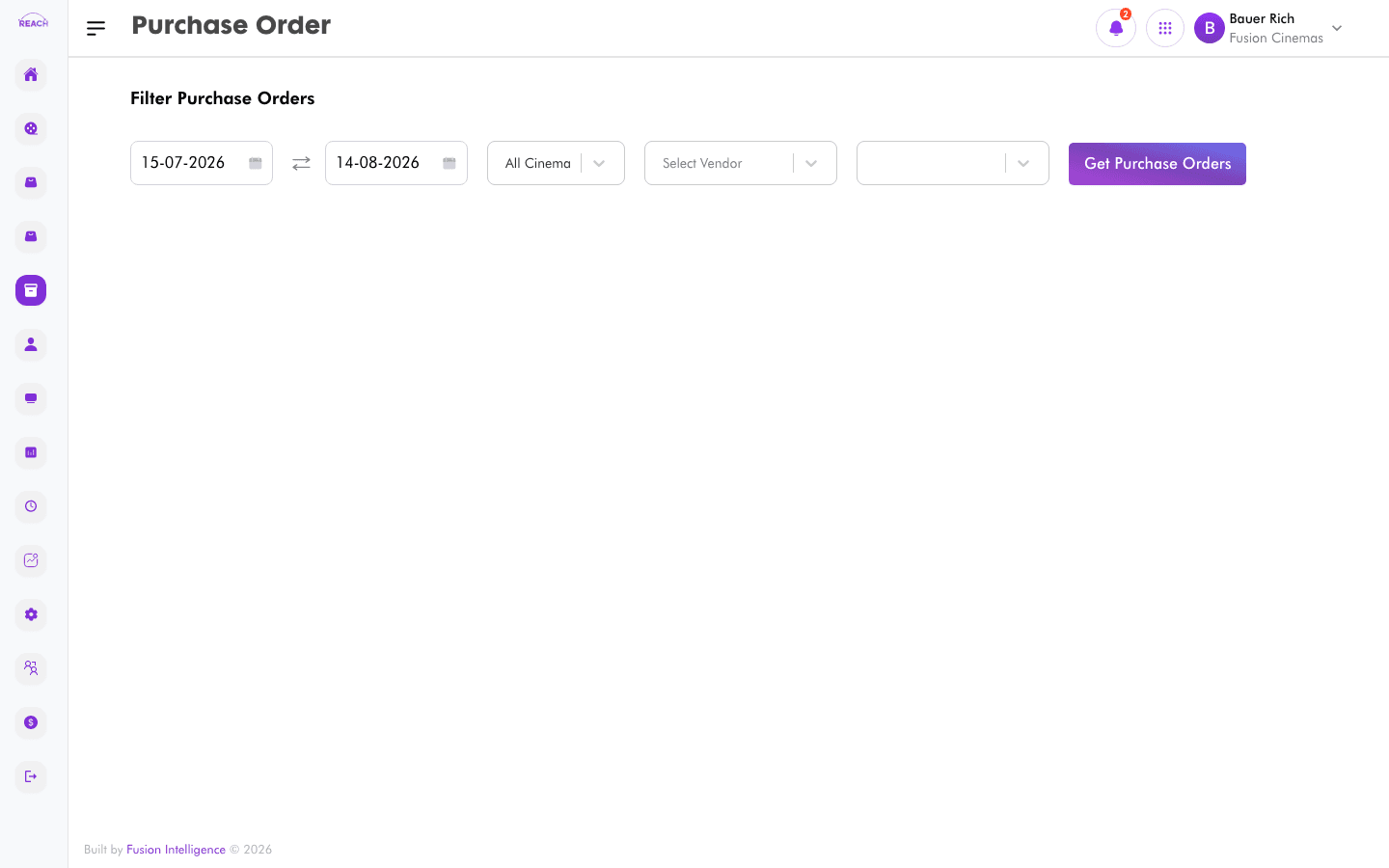
Purchase Orders are raised against approved stock requests to order stock from a vendor. This screen lists purchase orders with their vendor, totals, and status, and lets you open each one for detail.
Before you start
- A purchase order originates from an approved Stock Request.
- Receiving against a purchase order is done in Stock Receipts.
How to view purchase orders
- Open Stock → Purchase Order.
- Review the table and open an order to see its lines and status.

Columns
| Column | Description |
|--------|-------------|
| Order Id | Purchase order identifier. |
| Request Id | The stock request it came from. |
| Vendor | The vendor being ordered from. |
| Location | Delivery location. |
| Total | Order total. |
| Approved Date | When it was approved. |
| Status | Current status. |
| Actions | Open the order. |