
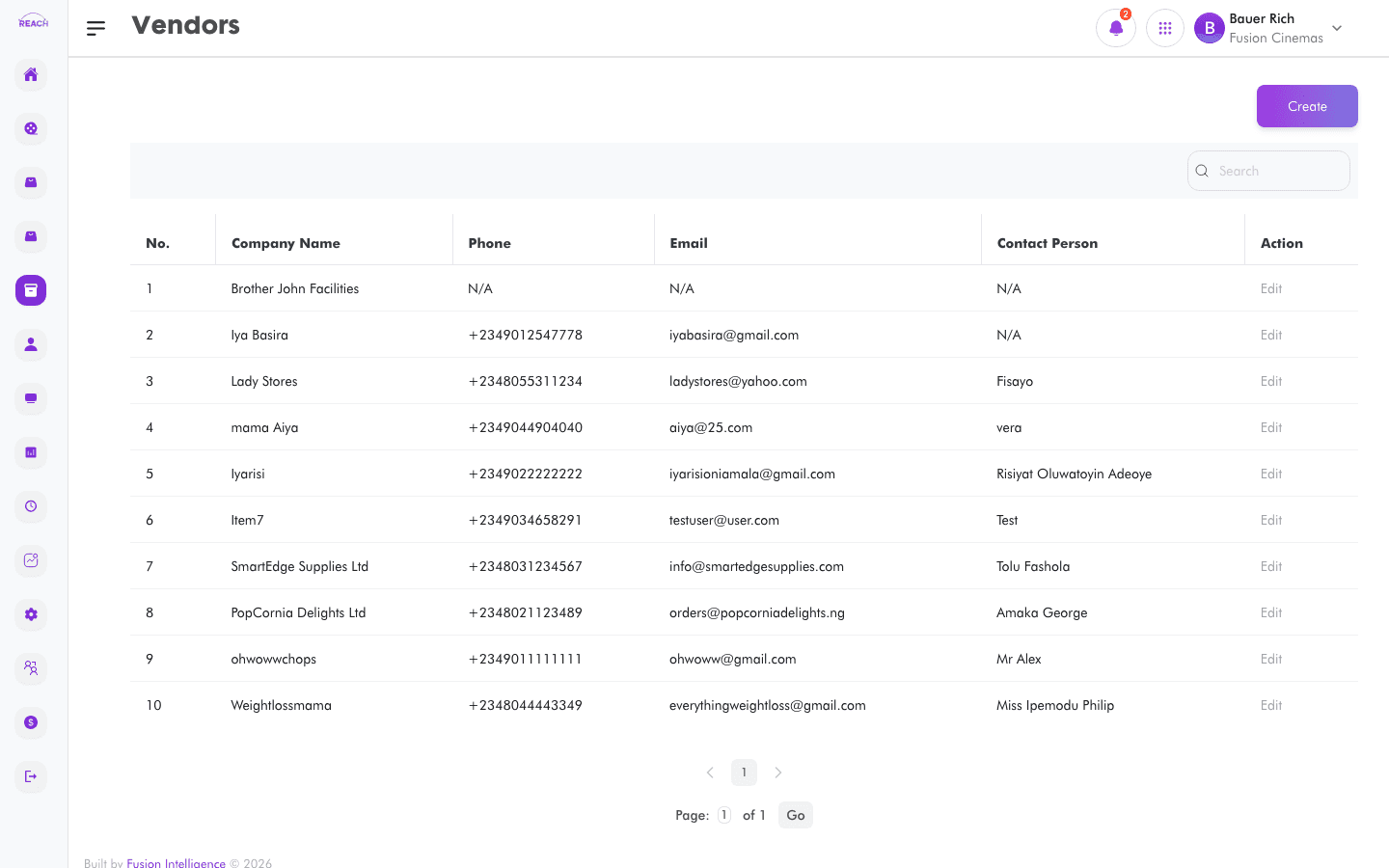
Vendors are the suppliers a cinema buys stock from. This screen lists vendors and lets you add and edit them, capturing contact details, currency, and payment terms used on purchase orders.
Before you start
- You'll reference vendors when raising Stock Requests and Purchase Orders.
How to create a vendor
- Open Stock → Vendors, then click to create ("Create Vendor"). Use Back to Vendors to return.
- Complete the form:
- Vendor name and Name (contact name).
- email and Phone Number.
- Website.
- currency — the vendor's trading currency.
- payment Terms.
- street Number, Street Name, street location — address details.
- Primary — mark as a primary vendor.
- Save. Use the row action to open "Update Vendor" and edit.

Field reference
| Field | Description |
|-------|-------------|
| Vendor name | Business/trading name. |
| Name | Contact person's name. |
| email | Contact email. |
| Phone Number | Contact phone. |
| Website | Vendor website. |
| currency | Trading currency. |
| payment Terms | Agreed payment terms. |
| street Number / Street Name / street location | Address. |
| Primary | Whether this is a primary vendor. |