
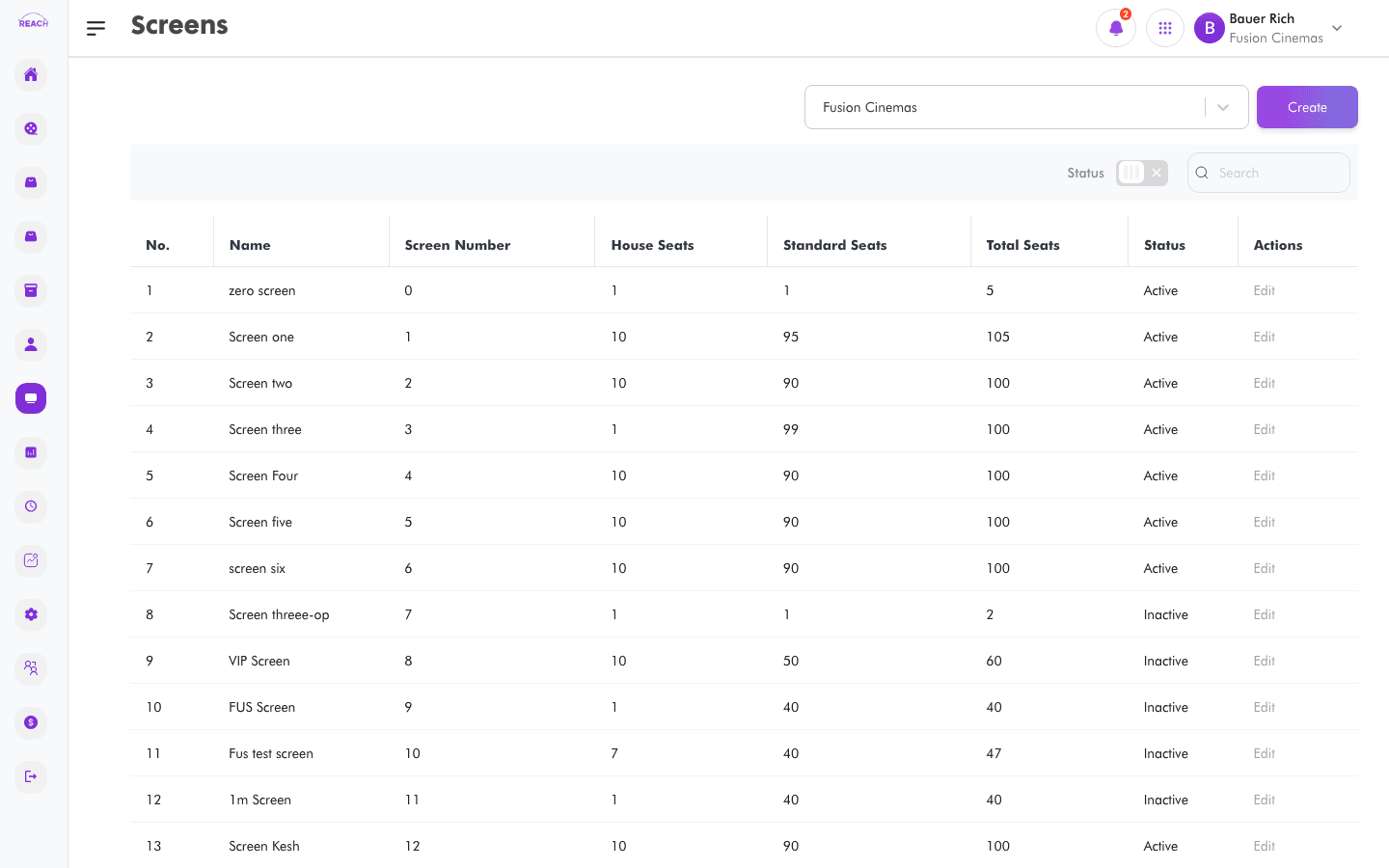
Screens are the auditoriums in a cinema. Each screen defines its seat counts, film format/attributes, sellout price, and a default seat layout that showtimes inherit. This screen lists a cinema's screens and lets you create and edit them.
Before you start
- Select the cinema with the cinema selector — screens are scoped to it.
- Create your Seat Classes first if you want to assign seats to classes in the layout.
- Note: changing the seat count on an existing screen only affects new shows — showtimes created before the change keep their original layout.
How to create a screen
- Open Screens → Screens, then click to create ("Create Screen"). Use Back to Screens to return.
- Complete the details:
- Name — screen name/short name.
- Screen Number — the screen's number.
- Sellout Price — the sellout price for the screen.
- Screen Attributes — the film format(s) the screen supports.
- Cinema — the cinema it belongs to.
- Standard Seats, House Seats — seat counts. Total Seats is calculated from these.
- Status — Active or Inactive.
- Under Set Up Default Screen Layout (a cinema must be selected to interact):
- Enter Number of rows and Number of columns.
- Click Preview layout to generate and view the seat grid; use Reset layout to start over.
- In the preview, assign seats to seat classes and set seat statuses.
- Click Save. You'll see "Created a new screen successfully."

Field reference
| Field | Description |
|-------|-------------|
| Name | Screen name/short name. |
| Screen Number | Numeric identifier. |
| Sellout Price | Price at which the screen is considered sold out. |
| Screen Attributes | Supported film format(s). |
| Cinema | Owning cinema. |
| Standard Seats / House Seats | Seat counts (House = held/complimentary). |
| Total Seats | Auto-calculated (Standard + House). |
| Status | Active / Inactive. |