
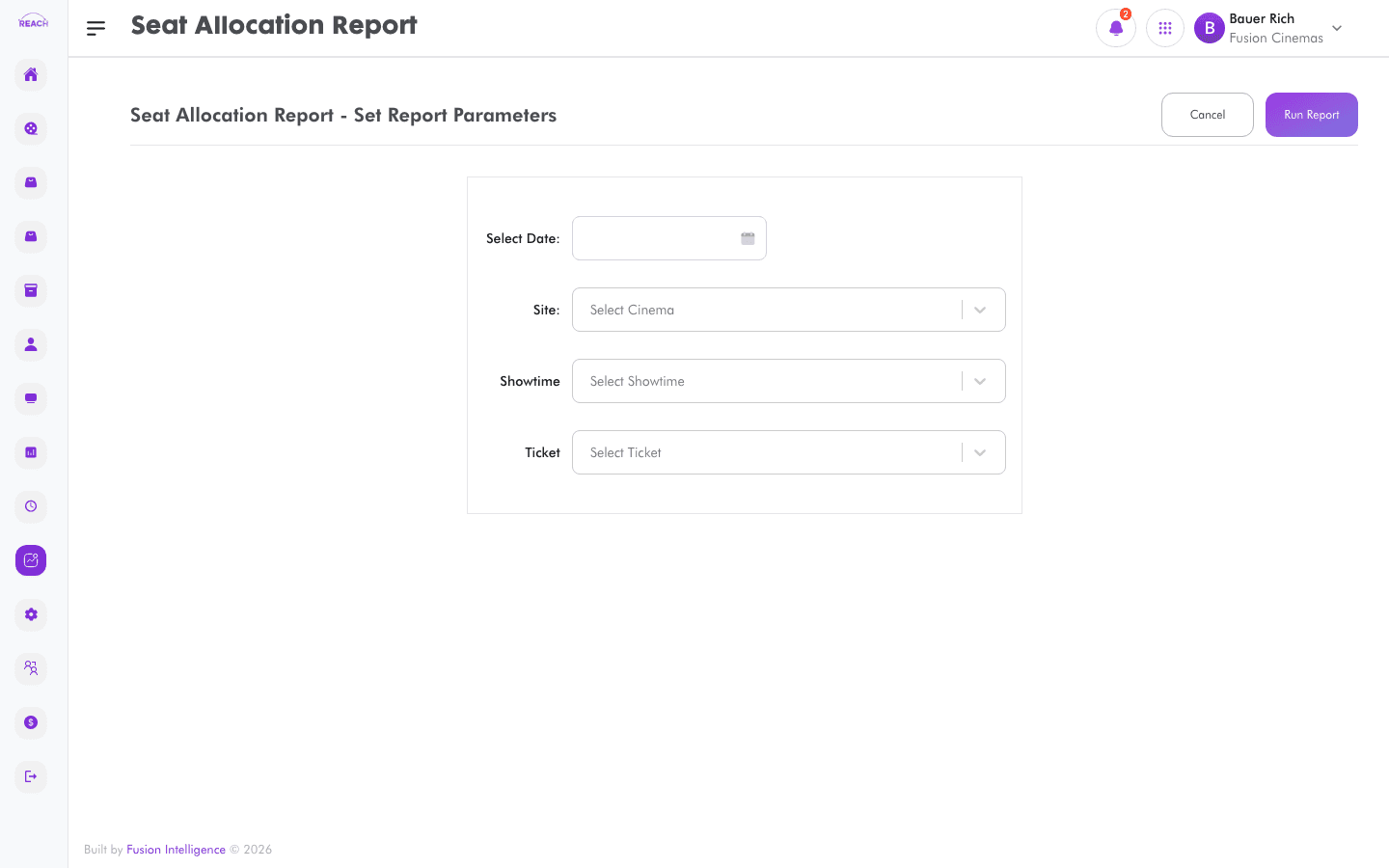
The Seat Allocation Report shows how seats were allocated and occupied across showtimes, helping you understand occupancy patterns and seat-class usage.
Before you start
- Select the cinema and date range.
- Seat allocation relies on seat layouts configured under Screens and Seat Classes.
How to generate
- Open Reports → Seat Allocation Report.
- Select the cinema and date range.
- Generate and review the results; export to Excel if needed.
